Modify built-in Themes
Maybe you don’t want to create an entire custom theme, but just want to override one color or brush from one of our standard themes or your custom theme.
Note
The full list of our standard themes can be found in Styling and Theming article.
As an example let's take our SciChart_SciChartv4DarkStyle theme as a parent one and change few properties there.
First, what you need to define style with new theme in styles.xml and specify parent theme name.
Next, add the keys you want to override, like this:
<style name="MyModifiedTheme" parent="SciChart_SciChartv4DarkStyle">
    <item name="sciChartBackground">@drawable/example_my_modified_theme_background</item>
    <item name="renderableSeriesAreaFillColor">#FF2F313E</item>
    <item name="minorGridLineColor">#00000000</item>
    <item name="axisBandsColor">#00000000</item>
    <item name="lineSeriesColor">#FF4DB7F3</item>
    <item name="tickTextColor">#FF4DB7F3</item>
</style>
Now, you can add and apply your newly created theme as you would do with any Custom Theme:
surface.setTheme(R.style.MyModifiedTheme);
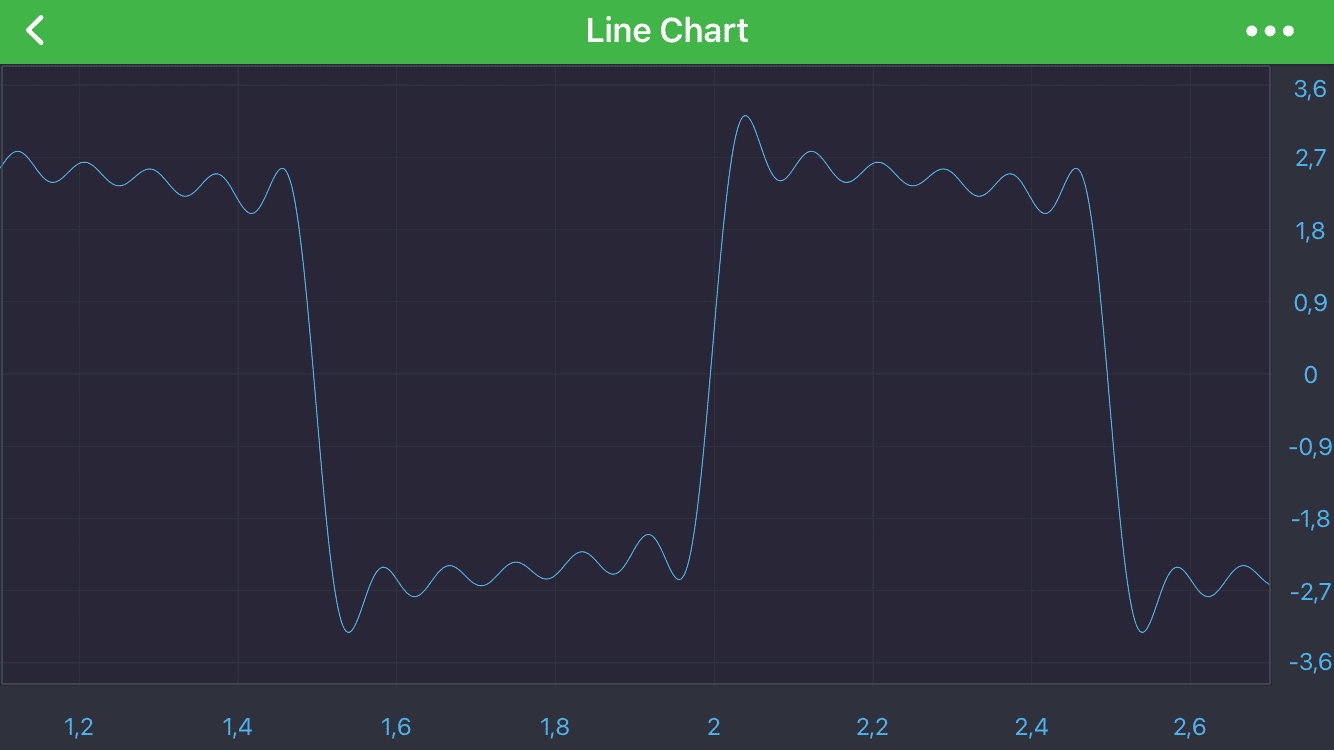
Here is the result: