Search Results for

    Show / Hide Table of Contents

    The Column 3D Chart Type

    The 3D Column Charts are provided by the ColumnRenderableSeries3D class.
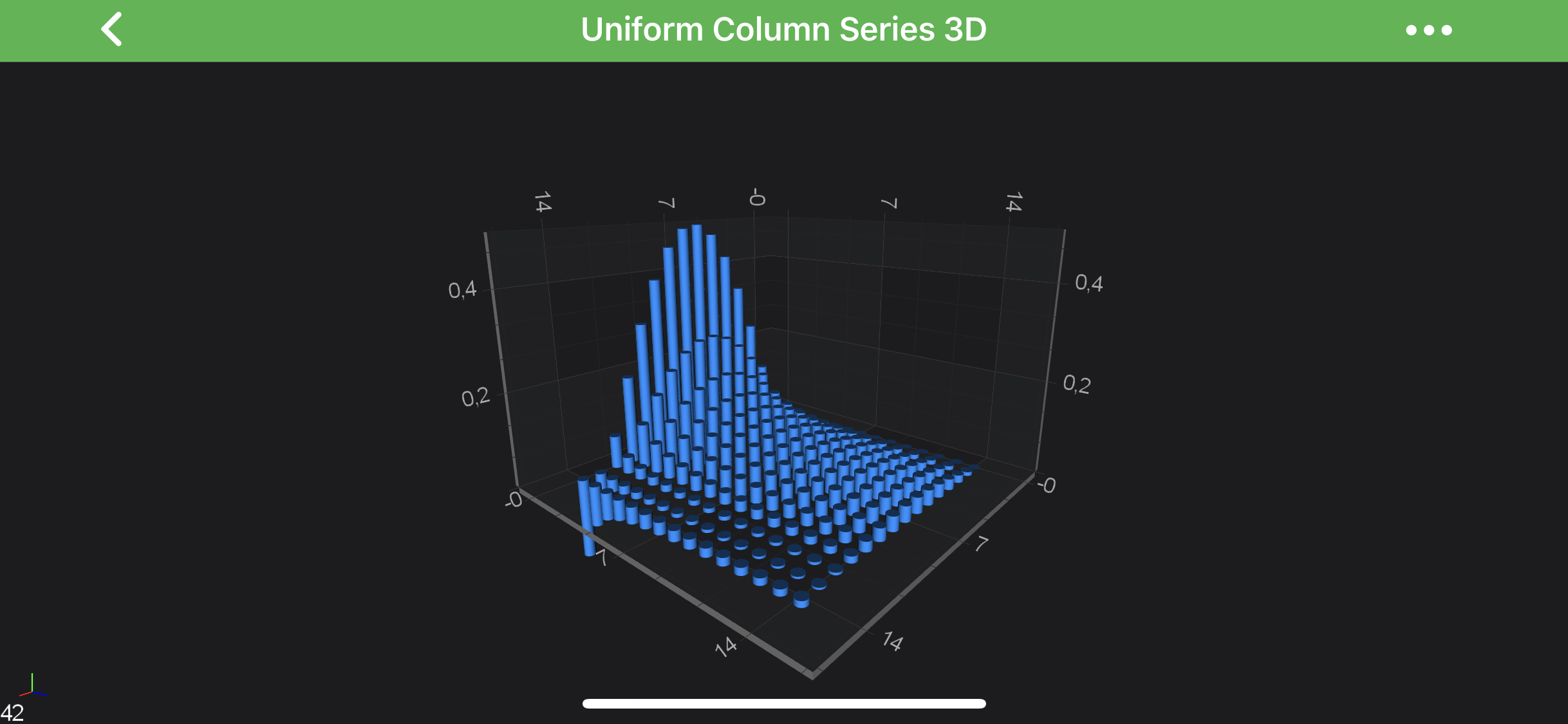
    Column Chart 3D

    Note

    Examples for the Column Series 3D can be found in the SciChart Android Examples Suite as well as on GitHub:

    • Native Example
    • Xamarin Example

    Create a Column Series 3D

    In SciChart you can achieve either Uniform or Non-Uniform Column Series 3D. Both are provided by the ColumnRenderableSeries3D but underlying IDataSeries3D<TX,TY,TZ> is different.

    The Column Series 3D can be configured via the following properties:

    Property Description
    fill allows to specify the fill color for the column shapes.
    dataPointWidth defines the fraction of available space each column should occupy in X and Z dimensions. Should be in [0.0...1.0] range.
    dataPointWidthX defines the fraction of available space each column should occupy in X dimension. Should be in [0.0...1.0] range.
    dataPointWidthZ defines the fraction of available space each column should occupy in Z dimension. Should be in [0.0...1.0] range.
    columnSpacingMode allows to specify whether the column size should be fixed or max available while not overlapping with each other. Expects ColumnSpacingMode enumeration.
    columnFixedSize allows to specify the size for column while using the ColumnSpacingMode.FixedSize mode.
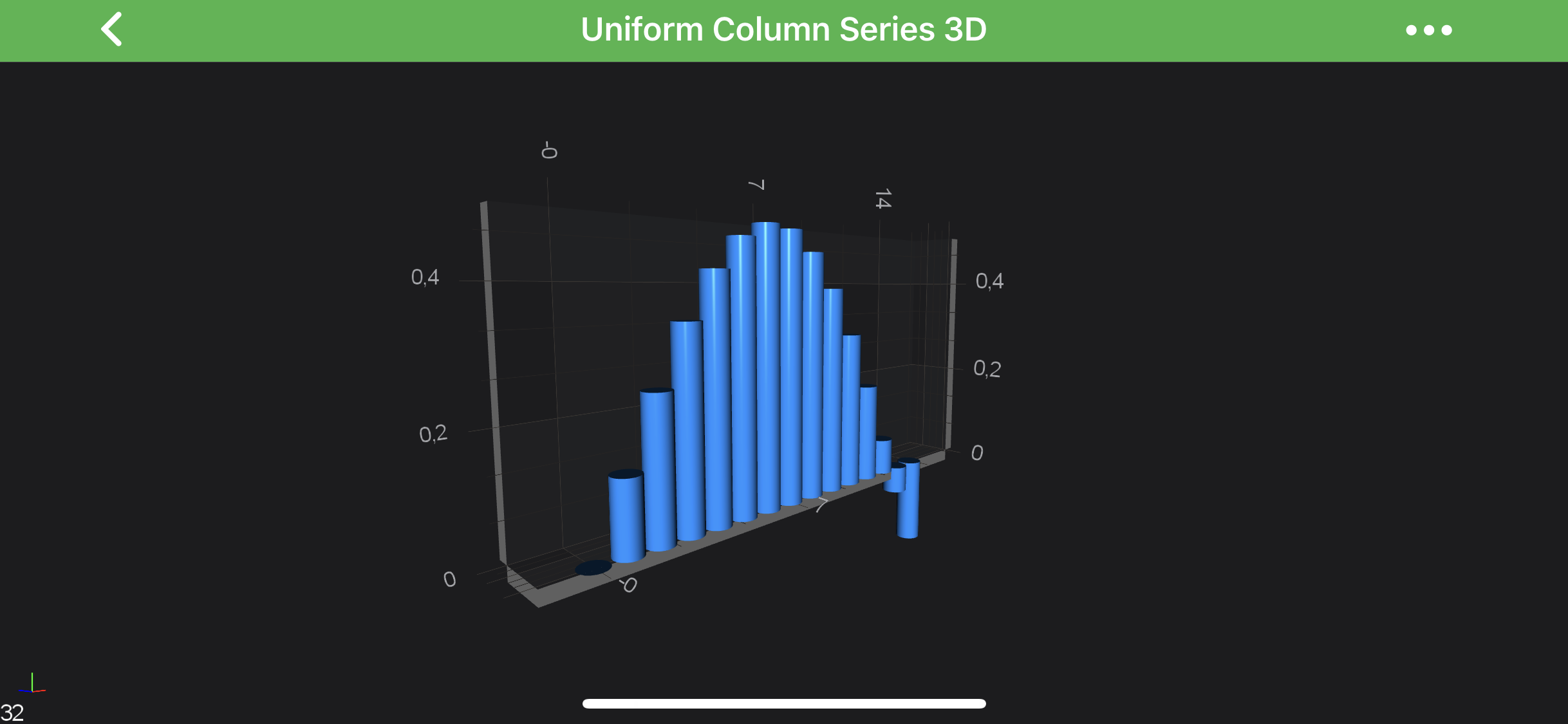
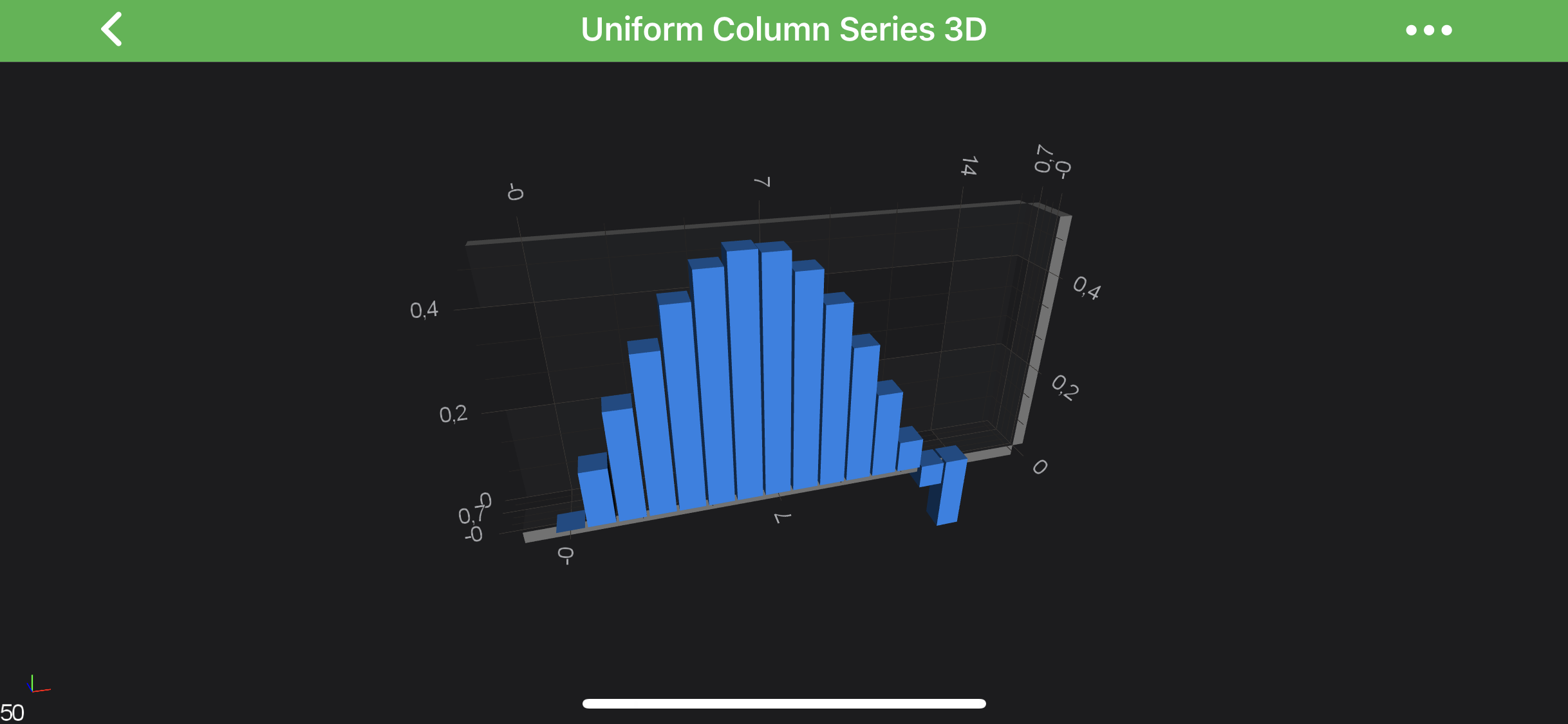
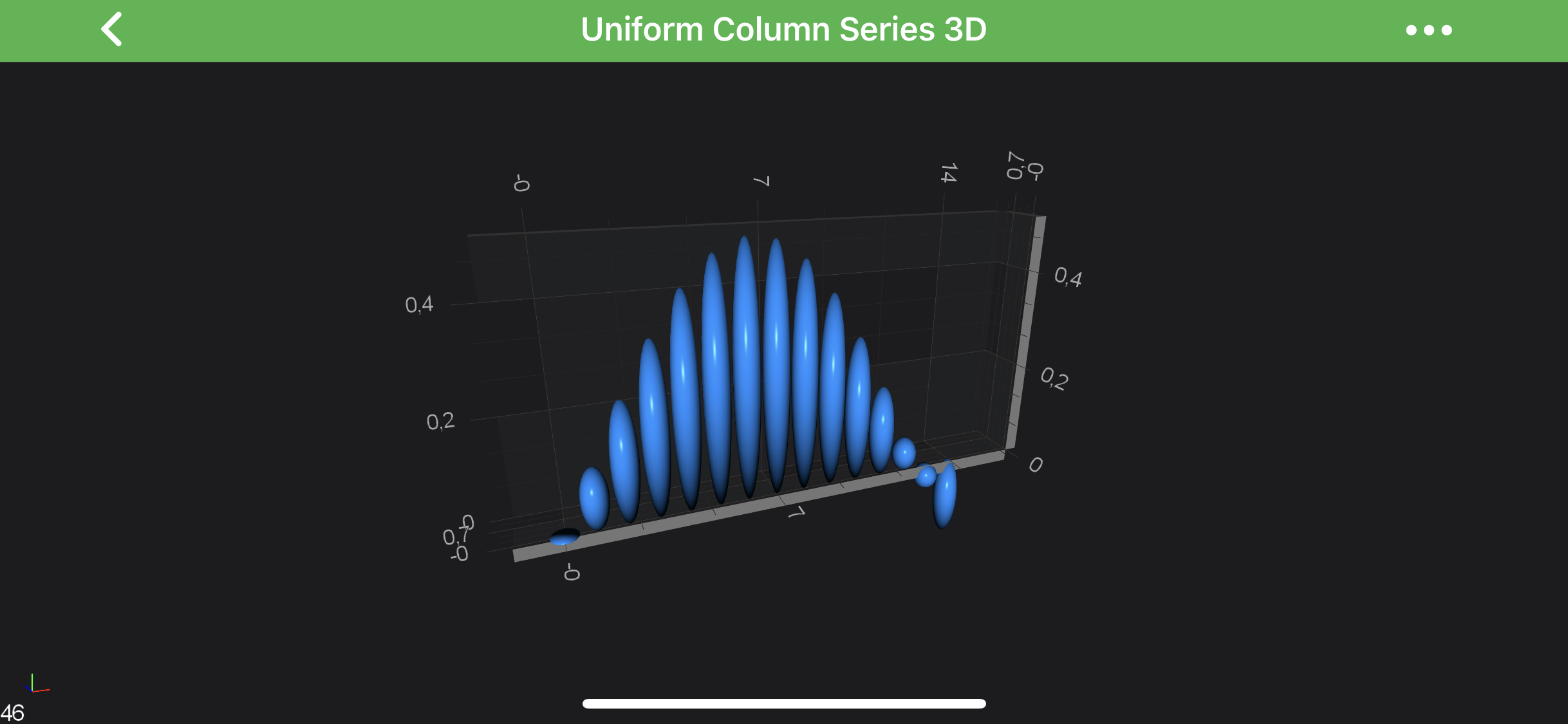
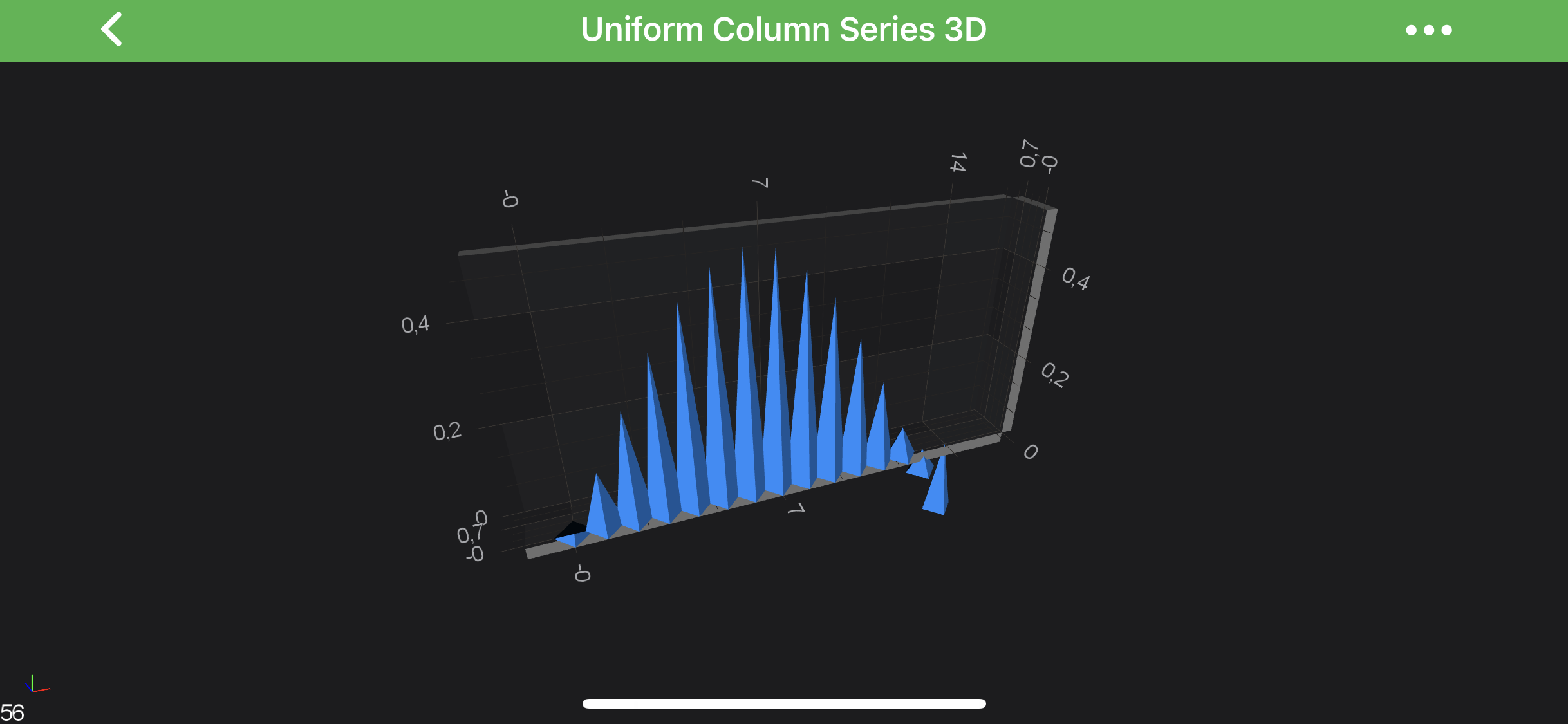
    columnShape allows to change the columns shape. See the 3D Column Shapes section.
    Note

    The dataPointWidth's of columns are set as a ratio of the available space between the neighboring points.

    Uniform Column Series 3D

    In order to create Uniform Column Series 3D - you will need to provide the UniformGridDataSeries3D<TX,TY,TZ> with N x M array of points.

    The above graph is rendered with the following code:

    • Java
    • Java with Builders API
    • Kotlin
    final UniformGridDataSeries3D<Double, Double, Double> ds = new UniformGridDataSeries3D<>(Double.class, Double.class, Double.class, COUNT, COUNT);
    for (int x = 0; x < COUNT; x++) {
        for (int z = 0; z < COUNT; z++) {
            final double y = Math.sin(x * .25) / ((z + 1) * 2);
            ds.updateYAt(x, z, y);
        }
    }
    final Camera3D camera = new Camera3D();
    final NumericAxis3D xAxis = new NumericAxis3D();
    xAxis.setGrowBy(new DoubleRange(.1, .1));
    
    final NumericAxis3D yAxis = new NumericAxis3D();
    yAxis.setGrowBy(new DoubleRange(.1, .1));
    
    final NumericAxis3D zAxis = new NumericAxis3D();
    zAxis.setGrowBy(new DoubleRange(.1, .1));
    
    final ColumnRenderableSeries3D rs = new ColumnRenderableSeries3D();
    rs.setFill(ColorUtil.DodgerBlue);
    rs.setDataSeries(ds);
    
    OrbitModifier3D orbitModifier3D = new OrbitModifier3D();
    orbitModifier3D.setReceiveHandledEvents(true);
    orbitModifier3D.setExecuteOnPointerCount(1);
    
    UpdateSuspender.using(surface, new Runnable() {
        @Override
        public void run() {
            surface.setCamera(camera);
            surface.setXAxis(xAxis);
            surface.setYAxis(yAxis);
            surface.setZAxis(zAxis);
            surface.getRenderableSeries().add(rs);
            Collections.addAll(surface.getChartModifiers(), new PinchZoomModifier3D(), orbitModifier3D, new ZoomExtentsModifier3D());
        }
    });
    
    final UniformGridDataSeries3D<Double, Double, Double> ds = new UniformGridDataSeries3D<>(Double.class, Double.class, Double.class, COUNT, COUNT);
    for (int x = 0; x < COUNT; x++) {
        for (int z = 0; z < COUNT; z++) {
            final double y = Math.sin(x * .25) / ((z + 1) * 2);
            ds.updateYAt(x, z, y);
        }
    }
    final Camera3D camera = sciChart3DBuilder.newCamera3D().build();
    final NumericAxis3D xAxis = sciChart3DBuilder.newNumericAxis3D().withGrowBy(.1, .1).build();
    final NumericAxis3D yAxis = sciChart3DBuilder.newNumericAxis3D().withVisibleRange(0, 0.5).build();
    final NumericAxis3D zAxis = sciChart3DBuilder.newNumericAxis3D().withGrowBy(.1, .1).build();
    
    final ColumnRenderableSeries3D rs = sciChart3DBuilder.newColumnSeries3D()
            .withFill(ColorUtil.DodgerBlue)
            .withDataSeries(ds)
            .build();
    
    UpdateSuspender.using(surface, new Runnable() {
        @Override
        public void run() {
            surface.setCamera(camera);
            surface.setXAxis(xAxis);
            surface.setYAxis(yAxis);
            surface.setZAxis(zAxis);
            surface.getRenderableSeries().add(rs);
            surface.getChartModifiers().add(sciChart3DBuilder.newModifierGroupWithDefaultModifiers().build());
        }
    });
    
    val ds = UniformGridDataSeries3D(Double::class.java, Double::class.java, Double::class.java, COUNT, COUNT)
    for (x in 0 until COUNT) {
        for (z in 0 until COUNT) {
            val y = Math.sin(x * .25) / ((z + 1) * 2)
            ds.updateYAt(x, z, y)
        }
    }
    val camera = Camera3D()
    val xAxis = NumericAxis3D()
    xAxis.growBy = DoubleRange(.1, .1)
    
    val yAxis = NumericAxis3D()
    yAxis.growBy = DoubleRange(.1, .1)
    
    val zAxis = NumericAxis3D()
    zAxis.growBy = DoubleRange(.1, .1)
    
    val rs = ColumnRenderableSeries3D()
    rs.fill = ColorUtil.DodgerBlue
    rs.dataSeries = ds
    
    val orbitModifier3D = OrbitModifier3D()
    orbitModifier3D.receiveHandledEvents = true
    orbitModifier3D.executeOnPointerCount = 1
    
    UpdateSuspender.using(surface) {
        surface.camera = camera
        surface.xAxis = xAxis
        surface.yAxis = yAxis
        surface.zAxis = zAxis
        surface.renderableSeries.add(rs)
        Collections.addAll(surface.chartModifiers, PinchZoomModifier3D(), orbitModifier3D, ZoomExtentsModifier3D())
    }
    

    Single Row Column 3D Charts

    You might also want to create a Single-Row of 3D Columns. It's easily achievable via providing UniformGridDataSeries3D<TX,TY,TZ> with size of 1 in Z-Direction and update the worldDimensions like below:

    • Java
    • Java with Builders API
    • Kotlin
    final UniformGridDataSeries3D<Double, Double, Double> ds = new UniformGridDataSeries3D<>(Double.class, Double.class, Double.class, COUNT, COUNT);
    for (int x = 0; x < COUNT; x++) {
        for (int z = 0; z < 1; z++) {
            final double y = Math.sin(x * .25) / ((z + 1) * 2);
            ds.updateYAt(x, z, y);
        }
    }
    
    surface.getWorldDimensions().assign(200, 100, 20);
    
    final UniformGridDataSeries3D<Double, Double, Double> ds = new UniformGridDataSeries3D<>(Double.class, Double.class, Double.class, COUNT, COUNT);
    for (int x = 0; x < COUNT; x++) {
        for (int z = 0; z < 1; z++) {
            final double y = Math.sin(x * .25) / ((z + 1) * 2);
            ds.updateYAt(x, z, y);
        }
    }
    
    surface.getWorldDimensions().assign(200, 100, 20);
    
    val ds = UniformGridDataSeries3D(Double::class.java, Double::class.java, Double::class.java, COUNT, COUNT)
    for (x in 0 until COUNT) {
        for (z in 0..0) {
            val y = Math.sin(x * .25) / ((z + 1) * 2)
            ds.updateYAt(x, z, y)
        }
    }
    
    surface.worldDimensions.assign(200f, 100f, 20f)
    

    and results in the following chart:

    Single Row Column Chart 3D

    Non-Uniform Column Series 3D

    In order to create Non-Uniform Column Series 3D - you will need to provide the XyzDataSeries3D<TX,TY,TZ> with points.

    • Java
    • Java with Builders API
    • Kotlin
    final XyzDataSeries3D<Double, Double, Double> dataSeries = new XyzDataSeries3D<>(Double.class, Double.class, Double.class);
    final PointMetadataProvider3D pointMetaDataProvider = new PointMetadataProvider3D();
    
    for (double i = 1; i < COUNT; i++) {
        for (double j = 1; j <= COUNT; j++) {
            if (i != j && i % 2 == 0 && j % 2 == 0) {
                final double y = dataManager.getGaussianRandomNumber(5, 1.5);
                dataSeries.append(i, y, j);
    
                final PointMetadataProvider3D.PointMetadata3D metadata = new PointMetadataProvider3D.PointMetadata3D(dataManager.getRandomColor(), dataManager.getRandomScale());
                pointMetaDataProvider.metadata.add(metadata);
            }
        }
    }
    
    final ColumnRenderableSeries3D rs = new ColumnRenderableSeries3D();
    rs.setDataSeries(dataSeries);
    rs.setMetadataProvider(pointMetaDataProvider);
    
    final XyzDataSeries3D<Double, Double, Double> dataSeries = new XyzDataSeries3D<>(Double.class, Double.class, Double.class);
    final PointMetadataProvider3D pointMetaDataProvider = new PointMetadataProvider3D();
    
    for (double i = 1; i < COUNT; i++) {
        for (double j = 1; j <= COUNT; j++) {
            if (i != j && i % 2 == 0 && j % 2 == 0) {
                final double y = dataManager.getGaussianRandomNumber(5, 1.5);
                dataSeries.append(i, y, j);
    
                final PointMetadataProvider3D.PointMetadata3D metadata = new PointMetadataProvider3D.PointMetadata3D(dataManager.getRandomColor(), dataManager.getRandomScale());
                pointMetaDataProvider.metadata.add(metadata);
            }
        }
    }
    
    final ColumnRenderableSeries3D rs = sciChart3DBuilder.newColumnSeries3D()
            .withDataSeries(dataSeries)
            .withMetadataProvider(pointMetaDataProvider)
            .build();
    
    val dataSeries = XyzDataSeries3D(Double::class.java, Double::class.java, Double::class.java)
    val pointMetaDataProvider = PointMetadataProvider3D()
    
    for (i in 1 until COUNT) {
        for (j in 1..COUNT) {
            if (i != j && i % 2 == 0 && j % 2 == 0) {
                val y: Double = dataManager.getGaussianRandomNumber(5.0, 1.5)
                dataSeries.append(i.toDouble(), y, j.toDouble())
                val metadata = PointMetadata3D(dataManager.getRandomColor(), dataManager.getRandomScale())
                pointMetaDataProvider.metadata.add(metadata)
            }
        }
    }
    
    val rs = ColumnRenderableSeries3D()
    rs.dataSeries = dataSeries
    rs.metadataProvider = pointMetaDataProvider
    

    which will result in the following chart:
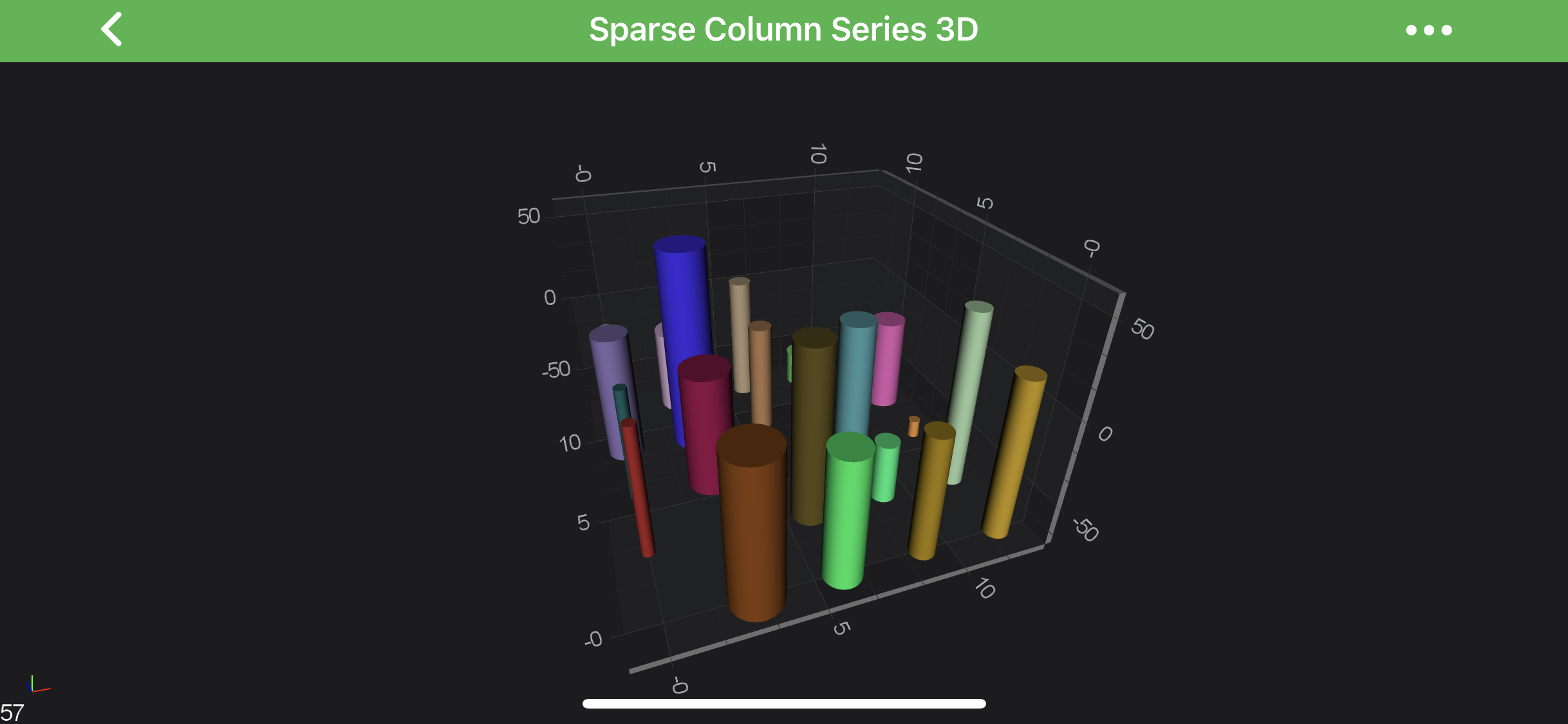
    Non-Uniform Column Chart 3D

    Note

    Full example code for the Sparse Column Series 3D can be found in the SciChart Android Examples Suite as well as on GitHub:

    • Native Example
    • Xamarin Example

    3D Column Shapes

    There are several shapes provided out of the box for 3D Column Series via the columnShape, and expects type from the SciChartMeshTemplate enumeration.

    The possible Shapes are showed in the table below:

    Shape Output
    SciChartMeshTemplate.Cube Cube Column 3D Shape
    SciChartMeshTemplate.Sphere Sphere Column 3D Shape
    SciChartMeshTemplate.Pyramid Pyramid Column 3D Shape
    SciChartMeshTemplate.Cylinder Cylinder Column 3D Shape
    Back to top © 2011-2025 SciChart. All rights reserved. | sitemap.xml