Axis 3D APIs - Convert World to Data coordinates
SciChart Android 3D provides a clean and simple API to transform 3D world coordinates to data-values and vice versa via the getCurrentCoordinateCalculator() API. The ICoordinateCalculator has the following methods suitable for conversions:
- getCoordinate - expects a double representation of
data-valueand returns the corresponding pixel coordinate. - getDataValue - expects a
coordinate in pixelsand returns the closest data value to that coordinate (represented in double).
Note
For more information about ICoordinateCalculator - please read the Axis APIs - Convert Pixel to Data coordinates article.
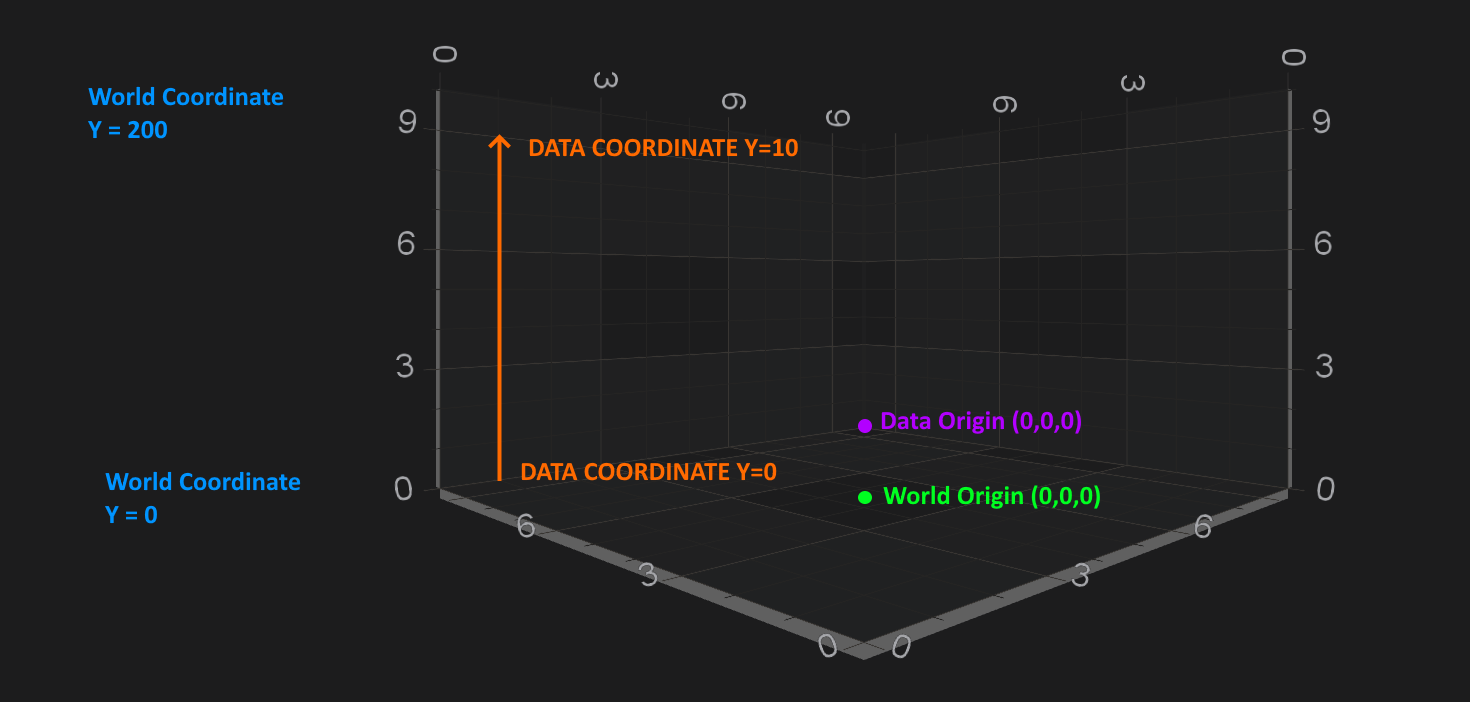
All Axes are responsible for converting between data-values and world-coordinates:
X-Axisconverts X data-values to X-World coordinates.Y-Axisconverts Y data-values to Y-world coordinates.Z-Axisconverts Z-data values to Z-world coordinates.
Note
For more information about the World Coordinates and Data Coordinates - please see the corresponding sections in the Coordinates in 3D Space article.
Getting a CoordinateCalculator instance
There is a getCurrentCoordinateCalculator() property, which is readonly, and which provides a coordinate calculator instance which is only valid for the current render pass.
Note
If the visibleRange changes, the worldDimensions changes or the data changes - then the ICoordinateCalculator will be recreated under the hood, so it might give incorrect results. Hence, it's advisable not to cache CoordinateCalculator instance, or cache it only for a short period of time, e.g. when using inside a loop.
Converting between World to Data Coordinates
As mentioned above - data-values are converted to world coordinates via the getCoordinate method. Also, Coordinates in pixels are converted back to chart data-values via the getDataValue method.
Also, you might guess, converting World to Data-Coordinates and vice versa slightly differs for different axis types due to difference in underlying data-types. In particular the following ones:
Read on to get better understanding of such conversions.
NumericAxis3D conversions
The simplest case is the NumericAxis3D. ICoordinateCalculator for NumericAxis 3D works the data-value as double. So let's take our Android 3D Simple Scatter Chart example, and try do some conversions
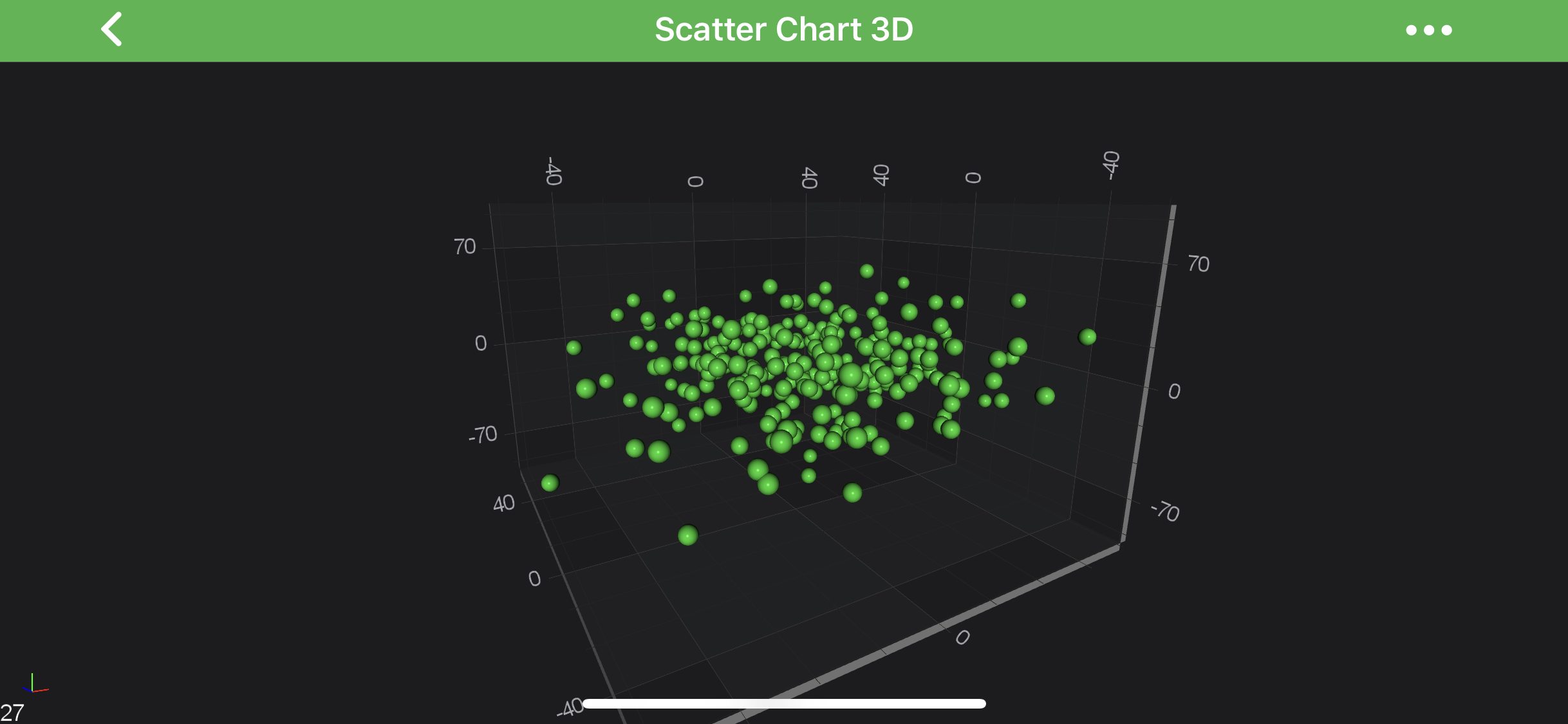
final ICoordinateCalculator calculator = yAxis.getCurrentCoordinateCalculator();
float coordinate = calculator.getCoordinate(50);

// Convert back:
double dataValue = calculator.getDataValue(coordinate);
Note
The exact data-values and coordinates might differ depending on your visibleRange, viewport etc...
DateAxis3D conversions
Similarly to NumericAxis3D - the DateAxis3D is quite simple with one difference - it's ICoordinateCalculator works with long representation of Date, which is getTime(). So let's take our Android 3D Date Axis3D as an example, and try do some conversions.
Note
Since the ICoordinateCalculator works with long representation of Date in getTime(), you will need to do all the needed conversions on your own. See the code below:
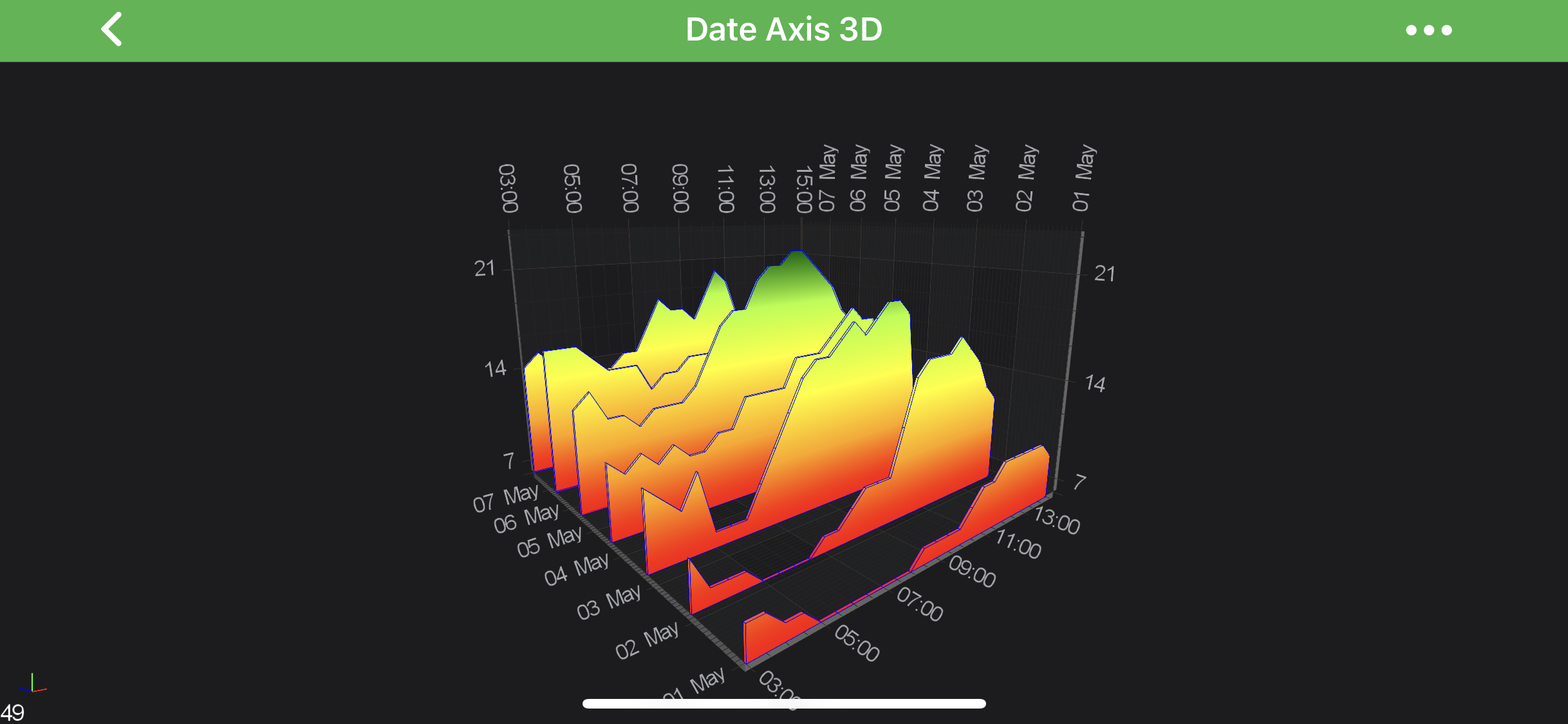
final ICoordinateCalculator calculator = zAxis.getCurrentCoordinateCalculator();

final Calendar calendarDate = Calendar.getInstance();
calendarDate.set(2011, Calendar.MAY, 5);
final Date date = calendarDate.getTime();
float coordinate = calculator.getCoordinate(date.getTime());

// Convert back:
double dateInMillis = calculator.getDataValue(coordinate);
Date dateValue = new Date((long) dateInMillis);
Note
The exact data-values and coordinates might differ depending on your visibleRange, viewport etc...