
Examples for the 3D Free Surface Mesh Chart can be found in the SciChart WPF Examples Suite which can be downloaded from the SciChart Website or our SciChart.WPF.Examples Github Repository.
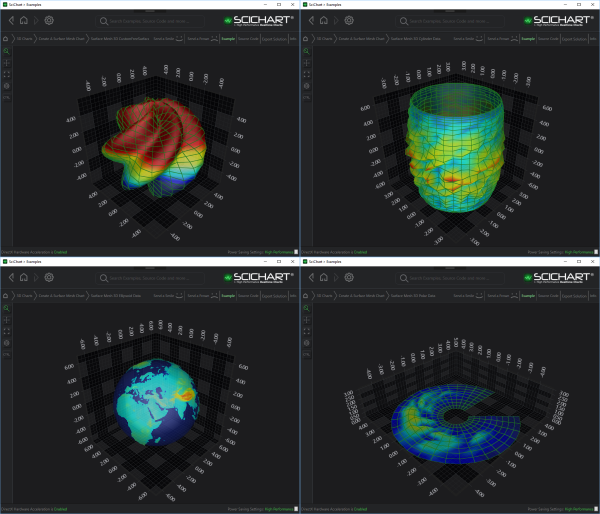
The Free Surface 3D Chart types are a set of 3D Charts that represent the data by plotting the surface in a custom shape in 3D space.
Common Properties
The Free Surface 3D Chart Types can be divided into two groups: constrained to its basic 3D primitive and unconstrained.
Constrained Chart Types include
Unconstrained chart type includes
Each of constrained chart type represents its basic primitive: a sphere, a cylinder, or a disk.
The surface of the free chart can be modified by the 2D Offset Array.
Each particular type of constrained 3D chart specifies how the surface can be offset, e.g.
- The Ellipsoid Chart offsets its points on the surface in each of XYZ axes proportionality, based on the location of its origin.
- The Cylindroid Chart offsets the surface in XZ axes, based on its Y-axis aligned origin line.
- The Polar 3D Chart offsets its surface in Y-axis, based on XZ axes origin plane.
In contrast to constrained chart types, The Custom Free Surface 3D Chart isn’t based on any geometric primitive. The shape of its surface is defined by a set of user-defined functions, injected in the constructor during the instantiation. This approach allows the surface to obtain any possible shape.
HeightScaleFactor
The HeightScaleFactor property controls how strongly the height map affects the geometry of the rendered surface. It acts as a multiplier applied to the height values when calculating the vertical displacement of each vertex in the mesh.
A value of 0.0 disables displacement entirely, resulting in a completely flat surface regardless of the height map data. A value of 1.0 applies the height map at full intensity, displacing each vertex according to the height values provided in the data. Values between 0.0 and 1.0 apply proportional scaling to the height map, producing a partially displaced surface. The default value is 1.0
This property can be useful when adjusting the visual prominence of height variations without modifying the underlying data.
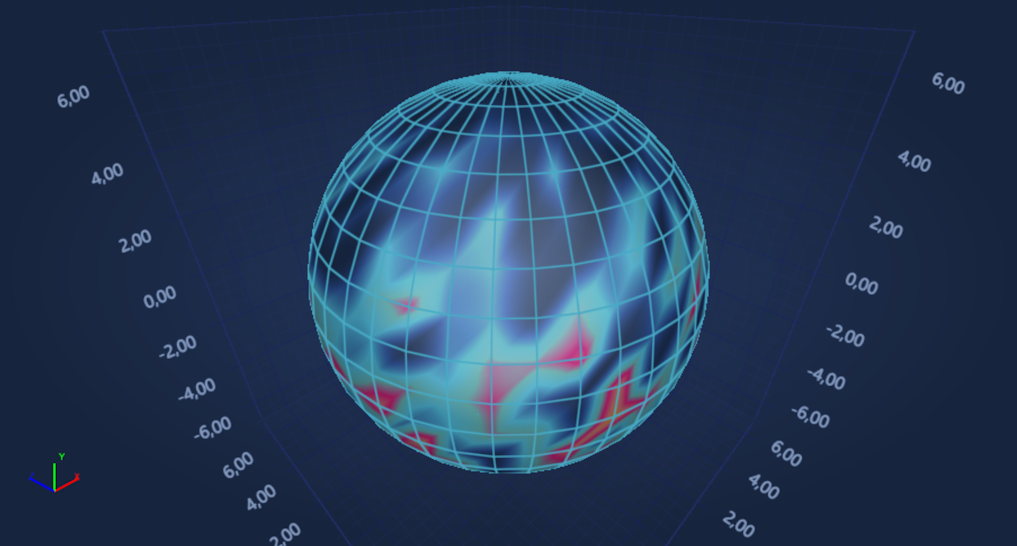
HeightScaleFactor = "0.0"
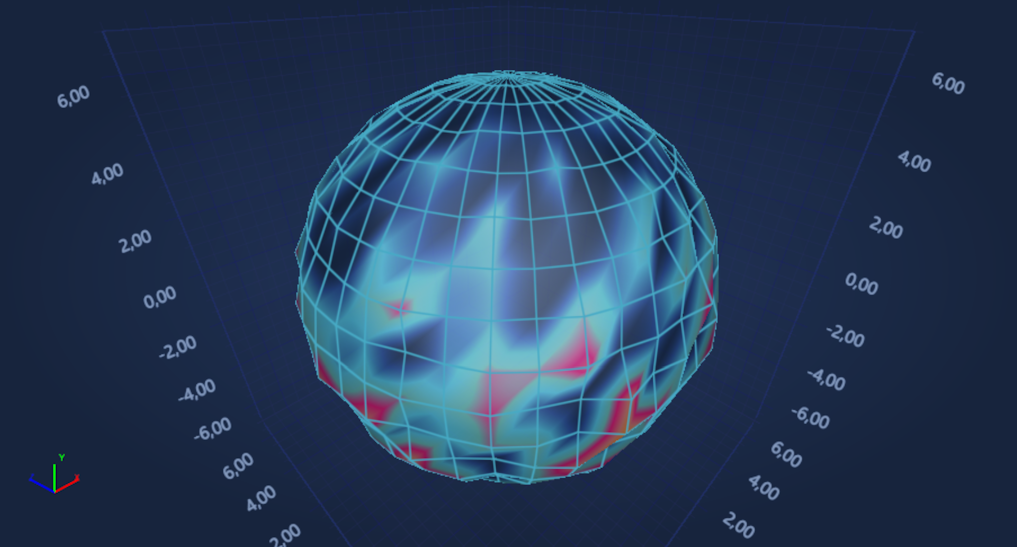
HeightScaleFactor = "0.5"
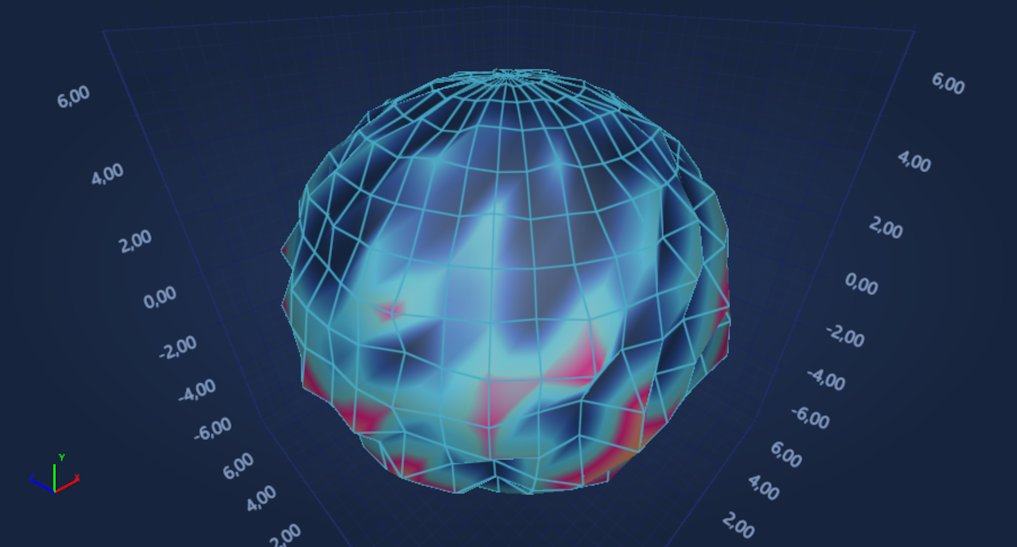
HeightScaleFactor = "1.0"