PointMarker API
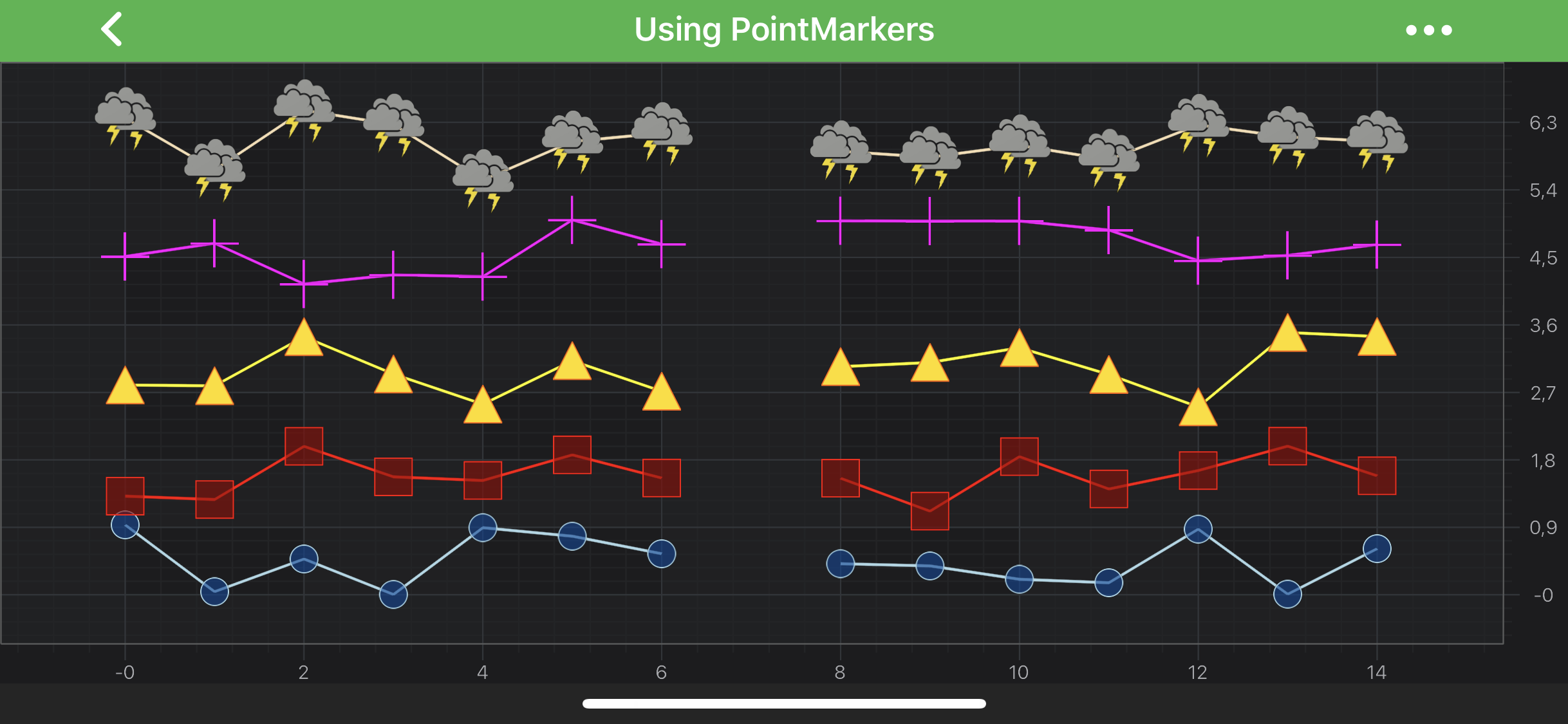
SciChart features a rich PointMarkers API to annotate the data-points of certain series with markers, e.g. Ellipse, Square, Triangle, Cross or a Custom Shape marker. Some series types, such as XyScatterRenderableSeries or FastImpulseRenderableSeries, require a PointMarker assigned to them unless they won't render at all.
This article is about how to configure and add PointMarkers to a IRenderableSeries to render markers for every data point.
Note
Examples of using PointMarkers API can be found in the SciChart Android Examples Suite as well as on GitHub:
PointMarker Types
SciChart provides several PointMarker shapes out of the box which can be found below:
It is possible to change how point markers appears by extending any of the above classes. The SpritePointMarker allows to render a point marker from a Bitmap. For more details, refer to the Custom PointMarkers section down the page.
All the PointMarker types conforms to the IPointMarker protocol, which provides the following properties for styling point markers:
| IPointMarker property | Description |
|---|---|
| size | Allows to specify the size of a PointMarker. PointMarkers will not appear if this value isn't set. The units are in user space coordinate system |
| strokeStyle | Specifies a stroke pen of the PenStyle type. It contains information about the Color, Stroke Thickness, etc. |
| fillStyle | Specifies a fill brush of the BrushStyle type. It contains information about the fill Color and the desired type of visual output. |
Note
To learn more about Pens and Brushes and how to utilize them, please refer to the PenStyle, BrushStyle and FontStyle article.
Using PointMarkers
Code for creation and assigning a PointMarker to a IRenderableSeries is essentially the same regardless of a PointMarker type. After an instance of it has been created, it can be configured and then applied to the pointMarker property:
// Create an Ellipse PointMarker instance
final EllipsePointMarker pointMarker = new EllipsePointMarker();
pointMarker.setSize(40, 40);
pointMarker.setStrokeStyle(new SolidPenStyle(Color.GREEN, false, 2.0f, null));
pointMarker.setFillStyle(new SolidBrushStyle(Color.RED));

// Apply the PointMarker to a LineSeries
final FastLineRenderableSeries lineSeries = new FastLineRenderableSeries();
lineSeries.setPointMarker(pointMarker);
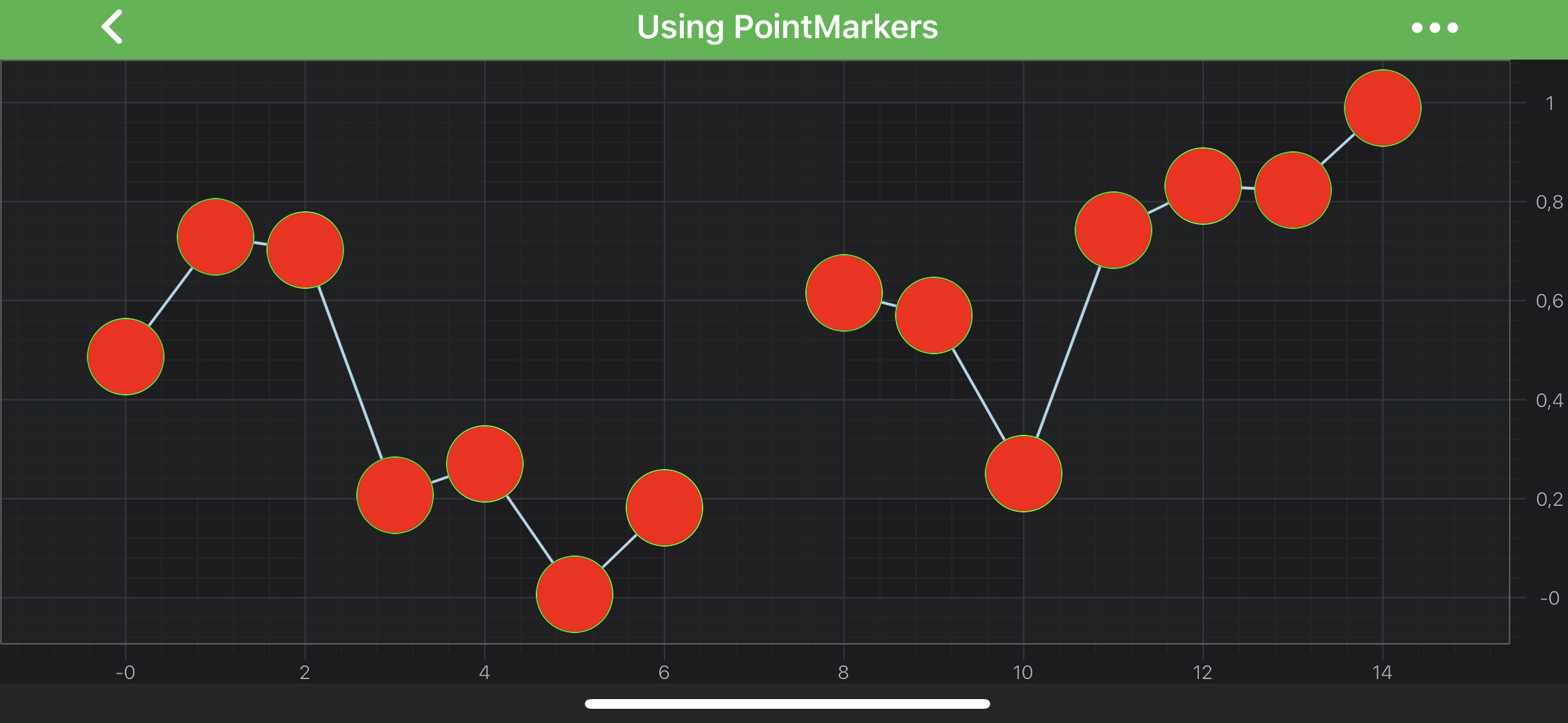
The code above will produce the following chart (assuming that the data has been added to the Line Series):
Custom PointMarkers
There are two ways of creating custom PointMarkers in SciChart. The first one involves using our RenderContext2D API for drawing, and the second allows to use CoreGraphics drawing capabilities.
Extend DrawablePointMarker
This technique requires extending the DrawablePointMarker class and overriding the its internalDraw(IRenderContext2D renderContext, float x, float y, IPen2D strokePen, IBrush2D fillBrush) method which is called for every data point in a series. In the implementation, a PointMarker can be drawn calling methods from IRenderContext2D. The code below demonstrates how custom EllipsePointMarker can be created using this approach:
class EllipsePointMarker extends DrawablePointMarker {
    @Override
    protected void internalDraw(IRenderContext2D renderContext, float x, float y, IPen2D strokePen, IBrush2D fillBrush) {
        renderContext.drawEllipse(x, y, getWidth(), getHeight(), strokePen, fillBrush);
    }
}
However, the RenderContext2D API has its own limitations. It isn't suitable for drawing complex custom shapes. Besides, calling drawing methods for every data point is redundant and is an overkill. So the second technique, described in the following paragraph, is better suited for most cases.
Implement ISpritePointMarkerDrawer
This approach is rather different. It allows to draw a shape on Android Canvas with Android Paint objects. Then, a sprite is created out of the Canvas, which is rendered for every data point in a series.
This requires creating an object which conforms to SpritePointMarker.ISpritePointMarkerDrawer protocol and pass it's instance into the SpritePointMarker initializer, like shown below:
class CustomPointMarkerDrawer implements SpritePointMarker.ISpritePointMarkerDrawer {
    private final Drawable drawable;

    CustomPointMarkerDrawer(Context context, @DrawableRes int drawableId) {
        this.drawable = ResourcesCompat.getDrawable(context.getResources(), drawableId, null);
    }

    @Override
    public void onDraw(Canvas canvas, Paint stroke, Paint fill) {
        drawable.setBounds(0, 0, canvas.getWidth(), canvas.getHeight());
        drawable.draw(canvas);
    }
}
final IPointMarker pointMarker = new SpritePointMarker(
        new CustomPointMarkerDrawer(requireContext(), R.drawable.example_weather_storm)
);
pointMarker.setSize(40, 40);

// Apply the PointMarker to a LineSeries
final FastLineRenderableSeries lineSeries = new FastLineRenderableSeries();
lineSeries.setPointMarker(pointMarker);
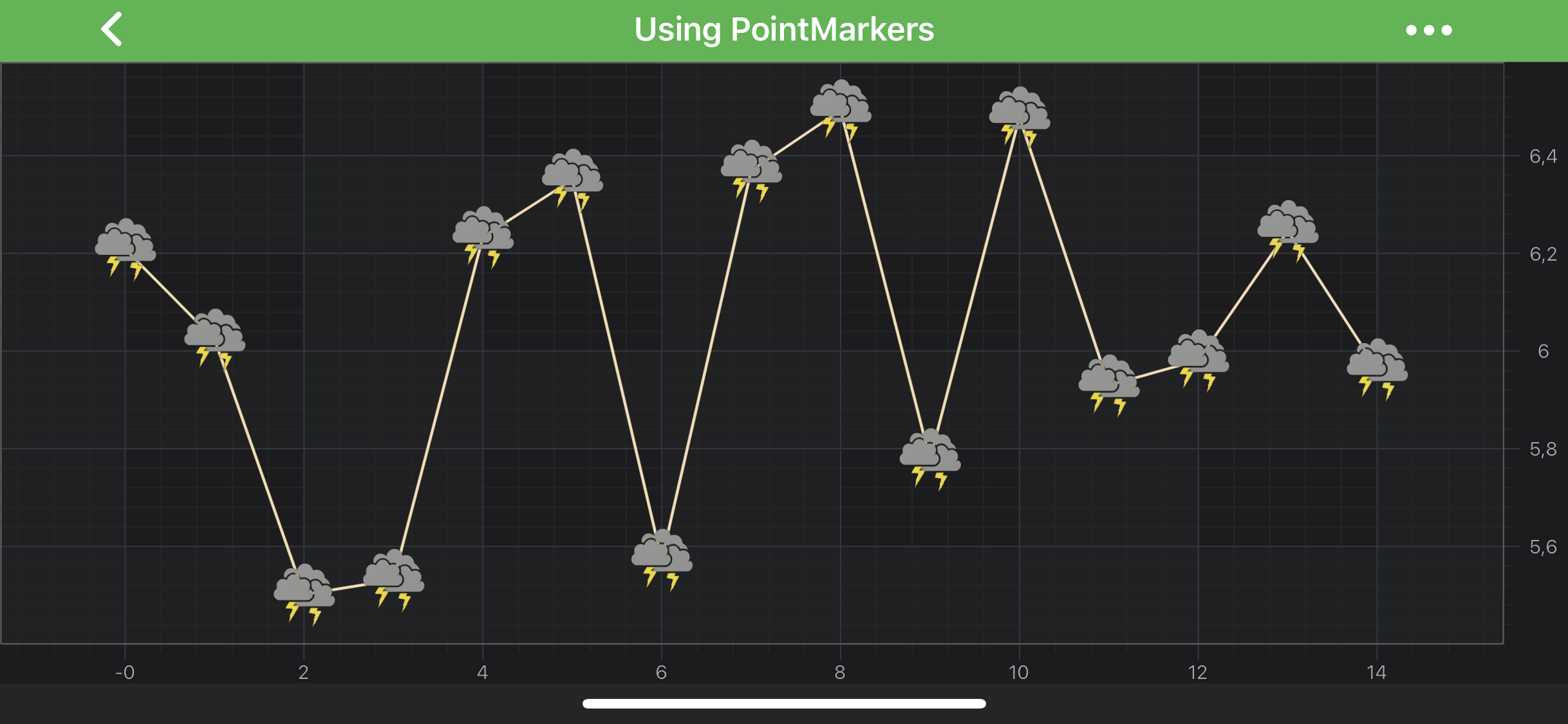
This would result in the following chart: