Add an Axis to a SciChartSurface
While creating your First SciChart Android App you've added axes to a SciChartSurface. With SciChart you can also have unlimited number of axes, whether it's left, right, top or bottom, X or Y Axes.

You can also place axes in the centre of the chart or swap X and Y axes over to create a vertical chart. Please see these examples from the SciChart Android Examples Suite for reference:
Axes can be added to either the xAxes or yAxes collection of SciChartSurface. In case of having multiple X or Y axes, every axis should have a unique ID assigned to it. All axes are positioned on a chart according to their AxisAlignment.
Adding an Axis
To add X and Y axes to a SciChartSurface, use the following code:
// Create numeric X axis
final NumericAxis xAxis = new NumericAxis(getContext());
// Create numeric Y axis
final NumericAxis yAxis = new NumericAxis(getContext());

// Add the Y and X axes to the axis collections of the ChartSurface
surface.getXAxes().add(xAxis);
surface.getYAxes().add(yAxis);
Similarly, you can add multiple X or Y axes to your SciChartSurface.
Note
As mentioned above, every axis should have a unique ID assigned to it. By default, each axis has a DefaultAxisId which isn't sufficient for multiple X or Y Axes.
Aligning an Axis Inside a Chart
To change the position of an axis, set AxisAlignment on it:
xAxis.setAxisAlignment(AxisAlignment.Bottom);
yAxis.setAxisAlignment(AxisAlignment.Left);
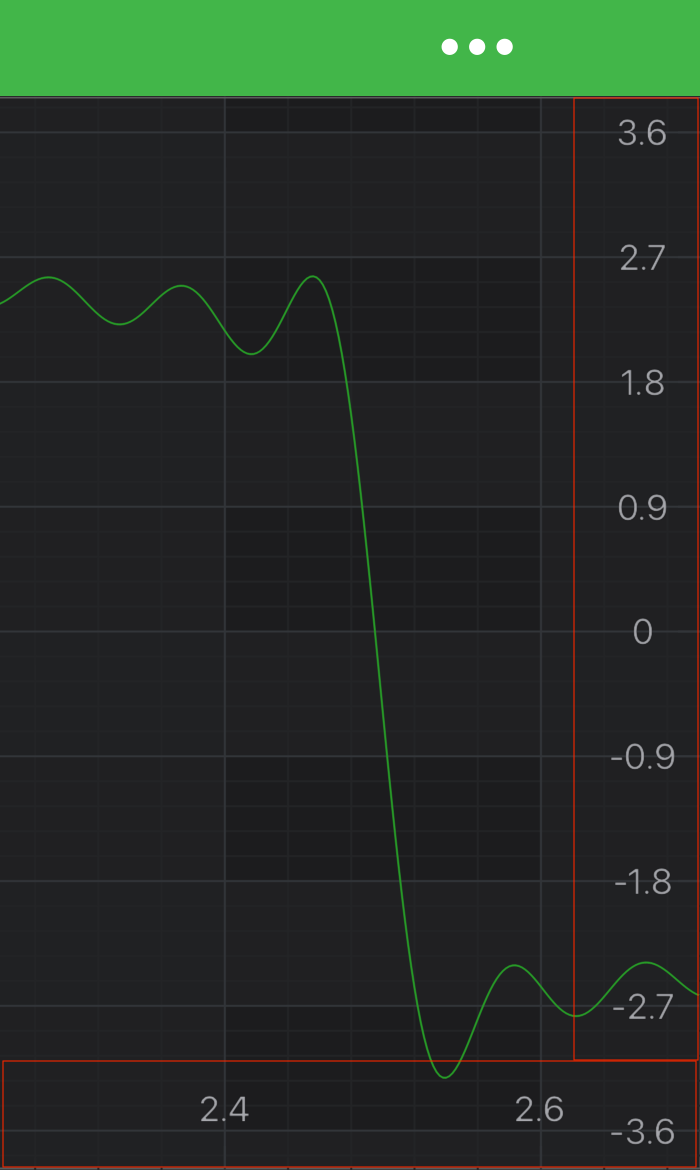
Also, it's possible pointing an axis inward or outward relative to the chart area. It requires setting isCenterAxis property on an axis. By default, it is set to false, thus axis labels and ticks are turned outside a chart. Setting it to true will provide the following output:
Note
You might want to create Vertical(Rotated) Charts, to learn more - refer to the Create a Vertical Chart article or the Vertical Charts example.
Changing Axis Direction
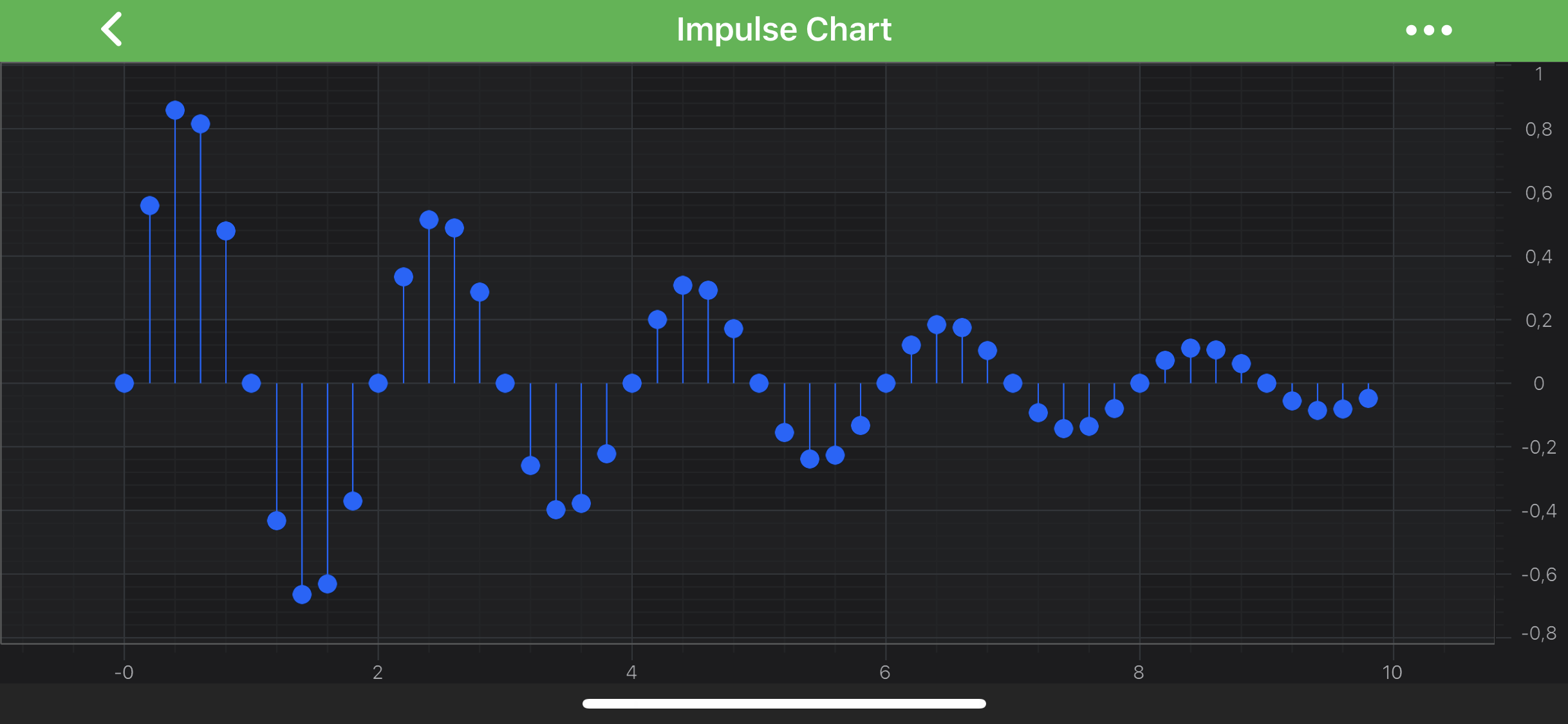
You can change Axis Direction via flipCoordinates property. By default it's false. Please see the difference below:
| Default | Flipped Y Coordinates |
|---|---|
 |
 |
Central Axis
Placing an axis in the center of a chart is a bit more advanced topic. It requires changes to the layout process in ILayoutManager to specify the exact axis position inside a chart area. Please refer to the Central Axis article or the Central X Axis and Y Axis for more info.

Stacking Multiple Axes Vertically or Horizontally
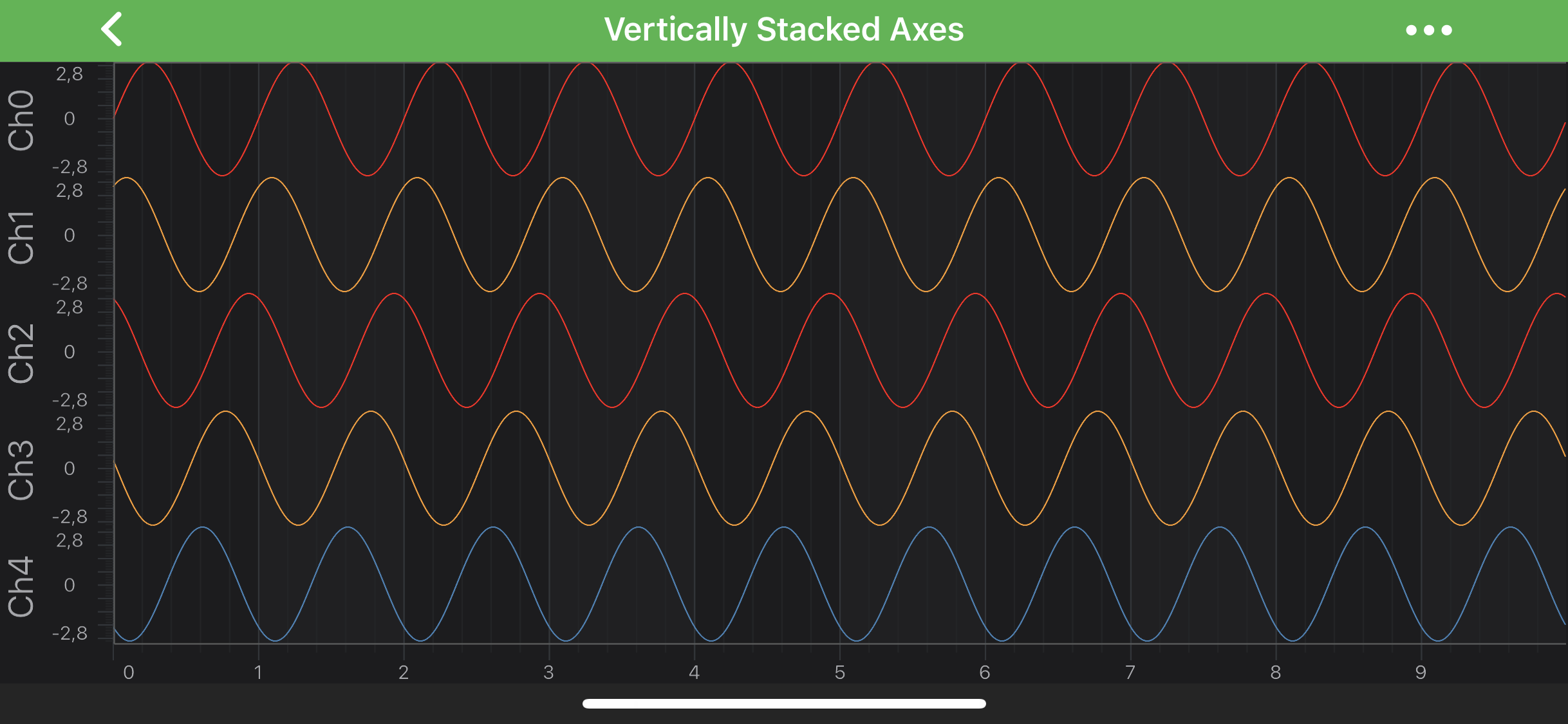
It is also possible to configure chart layout to have axes placed one next to another vertically or horizontally. This requires changes to the layout process in ILayoutManager. Please refer to the Stack Axes Vertically or Horizontally article or the Vertically Stacked Y Axes example for more info.
Note
Every RenderableSeries (chart types e.g. FastLineRenderableSeries, FastCandlestickRenderableSeries etc.), every Annotation and some Chart Modifiers (e.g. PinchZoomModifier, ZoomPanModifier) requires to be measured against particular axis (in other words - attached to it). You must specify the Axis ID for them via the xAxisId and yAxisId properties.
However, If you have only a single X and Y Axis, setting these ID properties isn't required. This is required only for the multiple axis cases.