SciChart Android Tutorial - Tooltips and Legends
In the previous tutorials we've showed how to Create a Simple Chart and add some Zoom and Pan interaction via the Chart Modifiers API.
In this SciChart Android tutorial we're going show how to add a Legend and Tooltip to the chart.
Getting Started
This tutorial is suitable for Java and Kotlin.
Note
Source code for this tutorial can be found at our Github Repository: Java and Kotlin Tutorials Repository
Add a Legend
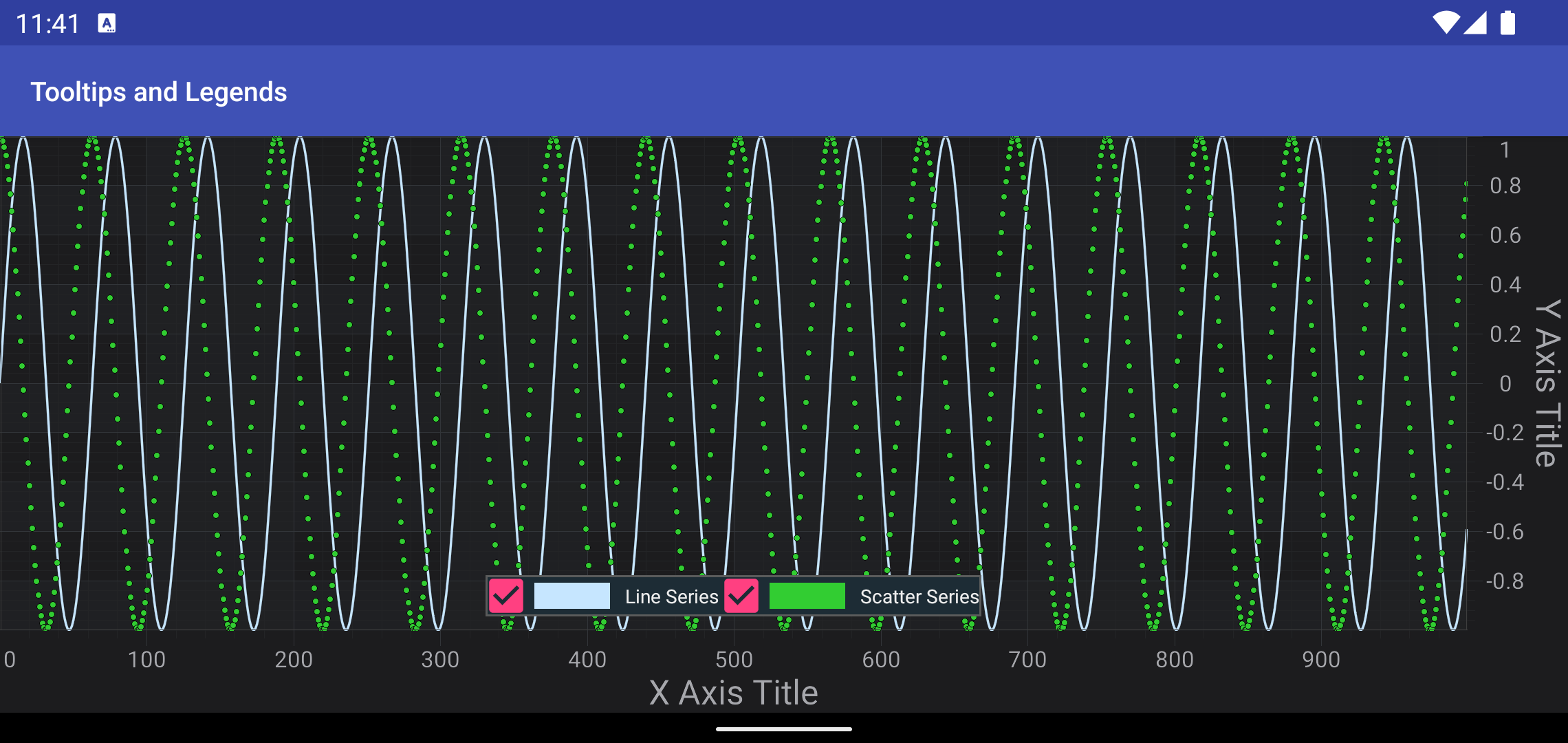
In SciChart, a chart legend can be created and configured via the LegendModifier:
final LegendModifier legendModifier = new LegendModifier(this);
legendModifier.setOrientation(Orientation.HORIZONTAL);
legendModifier.setLegendPosition(Gravity.BOTTOM | Gravity.CENTER_HORIZONTAL, 0, 0, 0, 10);
Collections.addAll(surface.getChartModifiers(), legendModifier);
Also, if you want to have your series properly named inside the Legend, you will need to provide Series Names for your DataSeries instances, like showed below:
lineDataSeries.setSeriesName("Line Series");
scatterDataSeries.setSeriesName("Scatter Series");
Note
You can find more information about legends in SciChart in the Legend Modifier article.
Adding tooltips using RolloverModifier
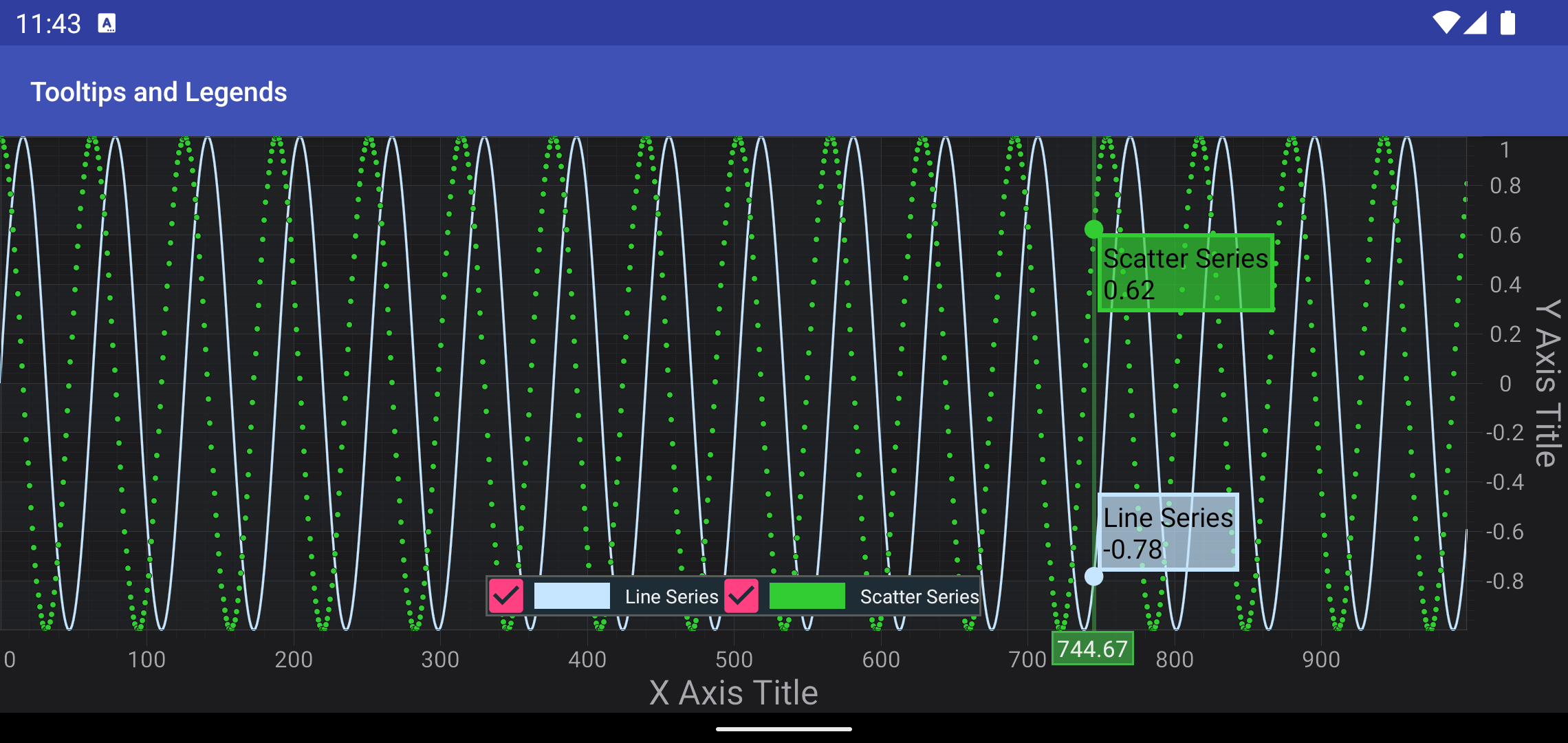
Rollover Modifier adds a vertical section onto a SciChartSurface. When you put your finger on the screen - it shows all series values at the X-Coordinate of that point.
Adding the RolloverModifier is fairly simple with just creation new instance and adding to the chartModifiers, like below:
Collections.addAll(surface.getChartModifiers(), new RolloverModifier());
Note
You can find more information about RolloverModifier in the corresponding Rollover Modifier article.
Where to Go From Here?
In SciChart there are a bunch of modifiers, which are able to provide information about series (inspect series), such as:
Also, all of the modifiers is highly customizable, and you can find more information in the Tooltips Customization article.
You can download the final project from our Java and Kotlin Tutorials Repository.
Also, you can found next tutorial from this series here - SciChart Android Tutorial - Adding Realtime Updates
Of course, this is not the maximum limit of what you can achieve with the SciChart Android. You can find more information about modifiers which are used in this tutorial in the articles below:
Finally, start exploring. The SciChart Android library and functionality is quite extensive. You can look into our SciChart Android Examples Suite which are full of 2D and 3D examples, which are also available on our GitHub