MouseWheelZoomModifier
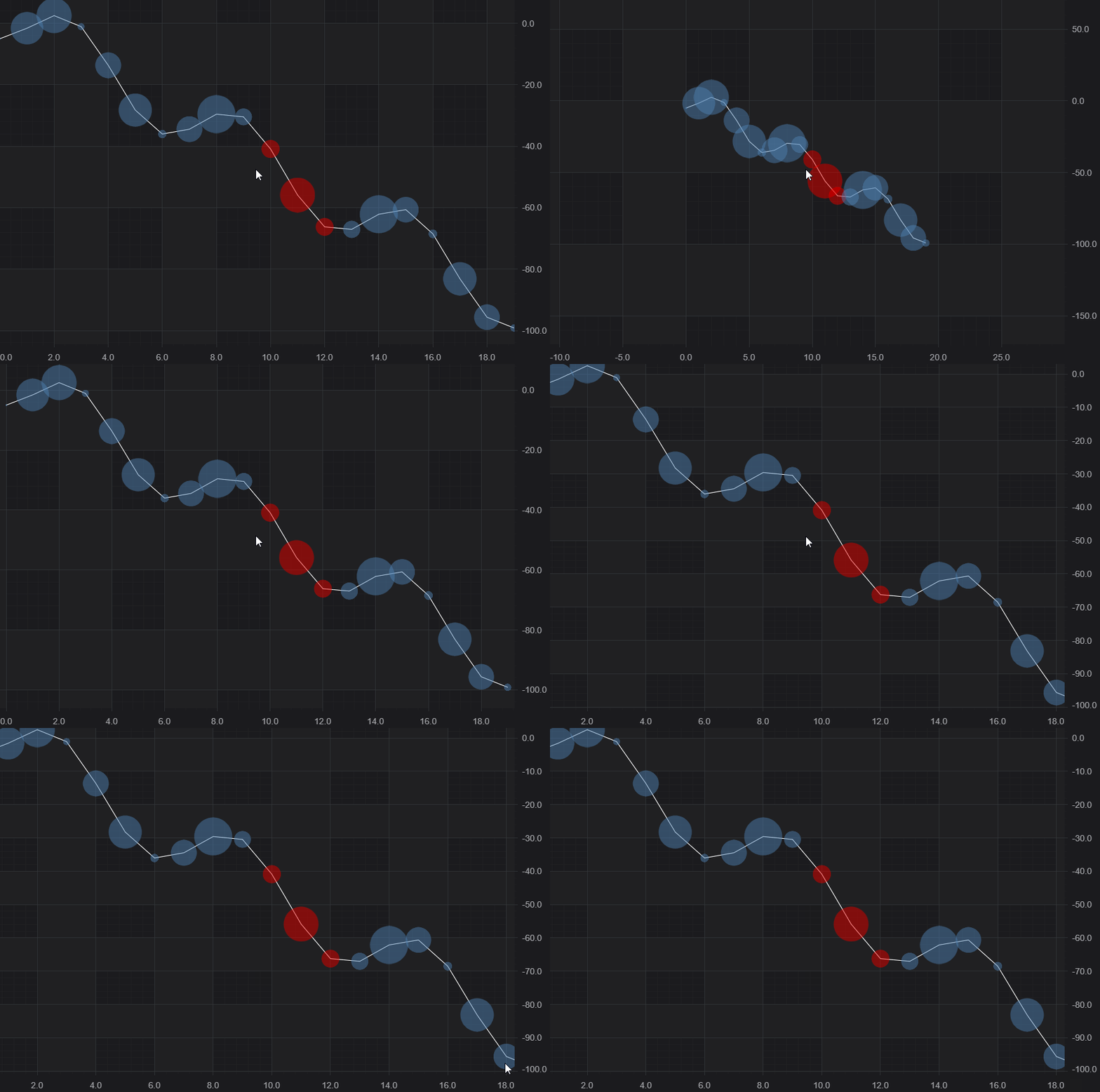
SciChart.js provides an zooming / panning behavior when scrolling the mouse-wheel, or two-finger drag on touch devices via the MouseWheelZoomModifier📘, available out of the box.
Besides common features which are inherited from the ChartModifierBase class, the MouseWheelZoomModifier📘 allows you to specify how fast the chart zooms in or out via the growFactor property📘.
Adding a MouseWheelZoomModifier to a Chart
A MouseWheelZoomModifier📘 can be added to the sciChartSurface.chartModifiers📘 collection to enable scaling or panning behavior. For example:
- TS
- Builder API (JSON Config)
const { MouseWheelZoomModifier } = SciChart;
// or for npm import { MouseWheelZoomModifier } from "scichart"

// Add MouseWheel Zoom behavior
sciChartSurface.chartModifiers.add(
    new MouseWheelZoomModifier({
        growFactor: 0.001, // each mousewheel click zooms 0.1%
    })
);
// Demonstrates how to configure the MouseWheelZoomModifier in SciChart.js using the Builder API
const { chartBuilder, EThemeProviderType, EChart2DModifierType, EXyDirection } = SciChart;
// or, for npm, import { chartBuilder, ... } from "scichart"

const { wasmContext, sciChartSurface } = await chartBuilder.build2DChart(divElementId, {
    modifiers: [
        {
            type: EChart2DModifierType.MouseWheelZoom,
            options: {
                growFactor: 0.001 // each mousewheel click zooms 0.1%
            }
        }
    ]
});
This results in the following behavior: