ZoomExtentsModifier
SciChart.js provides the ability to Zoom Extents the entire chart (zoom to fit data) by double-clicking the chart area with the ZoomExtentsModifier📘, available out of the box.
Besides common features which are inherited from the ChartModifierBase class, the ZoomExtentsModifier📘 allows animated zooming via the isAnimated📘, animationDuration📘 and easingFunction📘 properties.
Adding a ZoomExtentsModifier to a Chart
A ZoomExtentsModifier📘 can be added to the sciChartSurface.chartModifiers📘 collection to enable zoom to fit behavior.
For example:
- TS
- Builder API (JSON Config)
import { ZoomExtentsModifier, easing } from "scichart";

// Add Zoom Extents behavior
const zoomExtentsModifier = new ZoomExtentsModifier({
   isAnimated: true,
   animationDuration: 400,
   easingFunction: easing.outExpo
});
sciChartSurface.chartModifiers.add(zoomExtentsModifier);
// Demonstrates how to configure the ZoomExtentsModifier in SciChart.js using the Builder API
const { chartBuilder, EChart2DModifierType, easing } = SciChart;
// or, for npm, import { chartBuilder, ... } from "scichart"

const { wasmContext, sciChartSurface } = await chartBuilder.build2DChart(divElementId, {
   modifiers: [
      {
         type: EChart2DModifierType.ZoomExtents,
         options: {
            isAnimated: true,
            animationDuration: 400,
            easingFunction: easing.outExpo
         }
      }
   ]
});
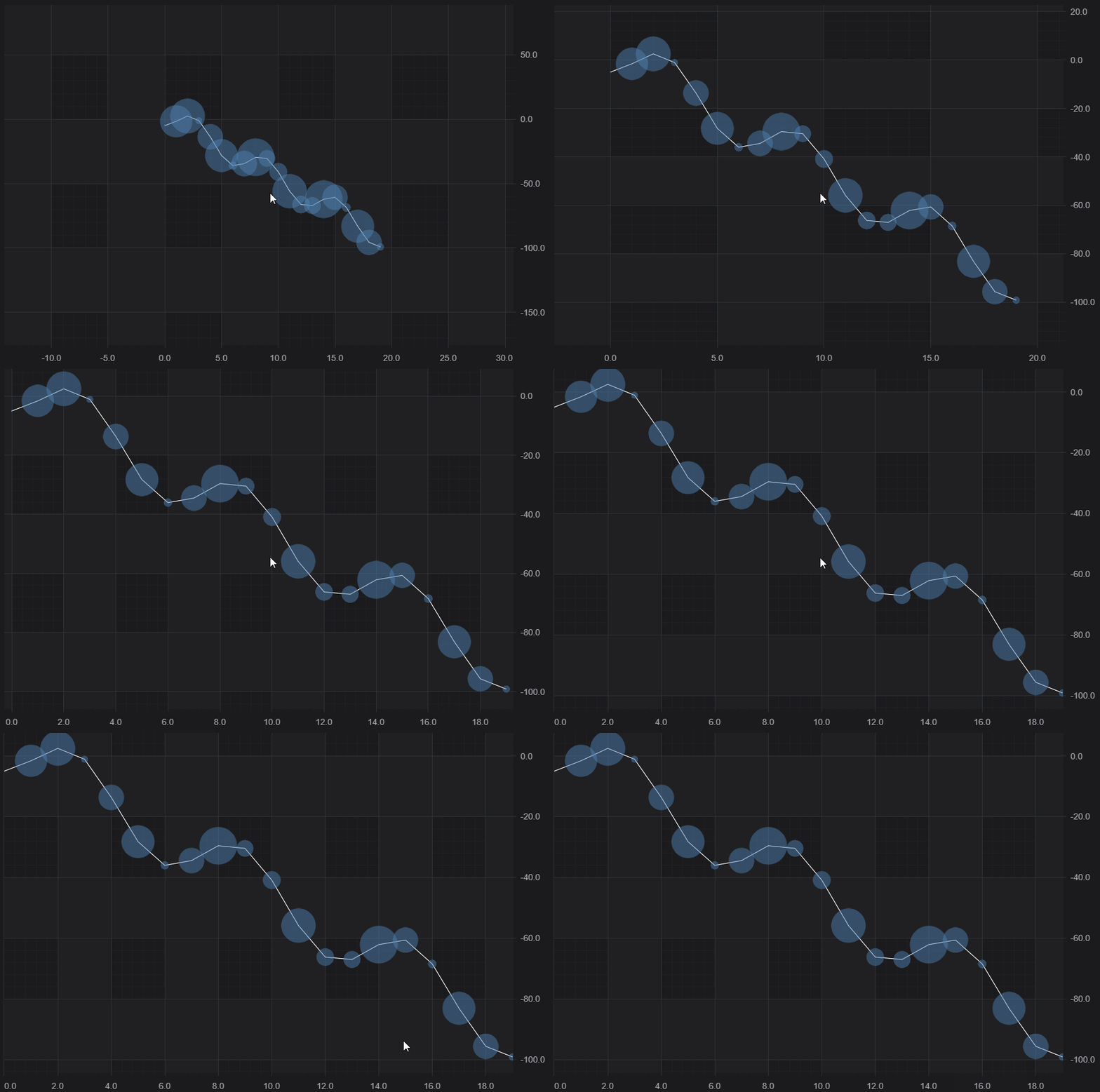
This results in the following behavior when double-clicking the chart:
Zoom to a Preset Range
If you would like the double-click to zoom to some preset range, rather than the data range, you can set zoomExtentsRange📘 on the axes. In addition, if you are setting an initial visibleRange on an axis and would like zoomExtents to return to this range, you can just set zoomExtentsToInitialRange📘 true, which will set zoomExtentsRange📘 to the visibleRange passed in.
If you just want to have some space around your data, set growBy📘 instead.