Github Source Code Access
To access the source-code for scichart.js, you will need a source-code enabled product. Products purchased from our store that enable SciChart.js source-code access include:
- SciChart Bundle 2D/3D Source (product code
SC-BUNDLE-SDK-ENTERPRISE)
For purchasing, please visit scichart.com/shop. For pre-sales enquiries contact technical sales and for licensing support post-sales please contact technical support.
If you are a SciChart.js Source-Code customer, you can now access the source code via our Github repository. To get access, please follow the steps below:
Step 1: Activate your developer license
You will need to activate a developer license for product code SC-BUNDLE-SDK-ENTERPRISE following the steps from activating a paid developer license
Step 2: Link your github account
You can now link your github account in the scichart.com/my-account page.
- Navigate to My Account - Orders & Keys - Manage Licenses for the source-code product you have purchased
- Under the "License Details" section, click the link "Update your Github Account"
- Submit a Github username, accept the terms and click submit

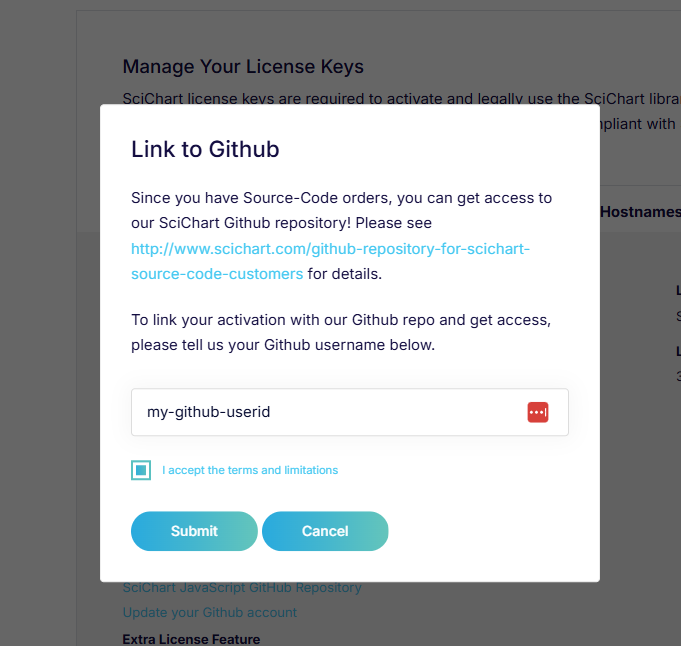
-
You will receive an invite email to the email associated with your Github account. Click to accept this to be granted access to the repository.
-
You should now be able to access the SciChart.js private Github repository at github.com/ABTSoftware/SciChartJS
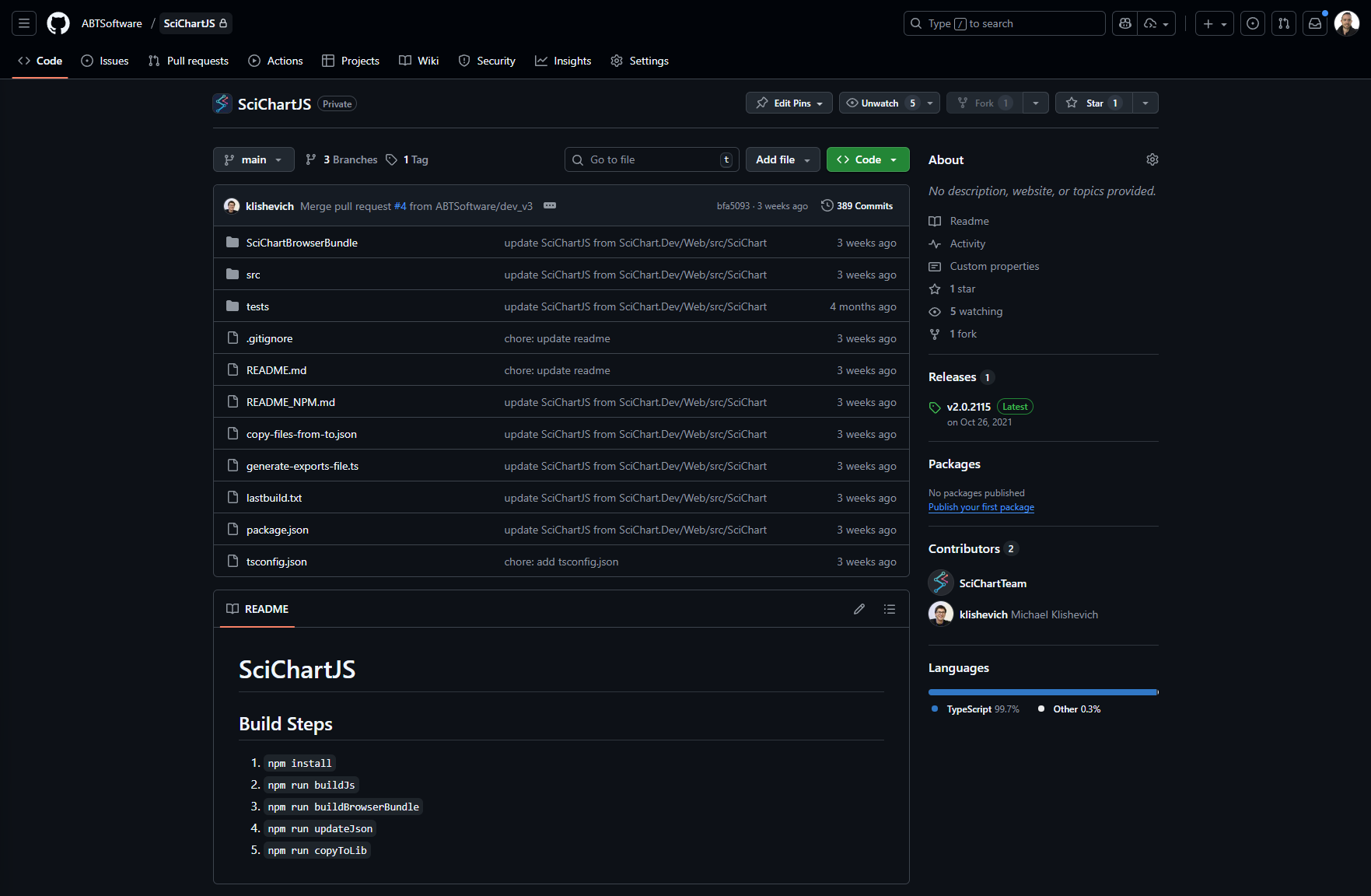
The option to link your github account will only be available if you have a support-active, activated source-code license type (SciChart Bundle 2D/3D Source)
If your support subscription expires and is not renewed, access to the github repos with SciChart source-code will be removed