Pre loader
Try wave

Create Impressive WPF 3D Charts with the Fastest Chart Library

The World’s Best WPF 3D Charts keep getting better!

SciChart 3D for WPF is a real-time, high-performance, WPF 3D Chart Library made with financial, medical, scientific apps in mind. Perfect for projects that need extreme performance and rich, interactive 3D charts.

Get the job done with our DirectX-powered WPF 3D Charts and extensive API. 

With the option to get a free 30-day trial, you can see for yourself the difference SciChart makes to your WPF 3D Charts.

Get Started

Trusted by Thousands of Developers Worldwide

SciChart’s charting software is trusted by thousands of developers worldwide and has customers in almost 80 countries from sectors including Pharmaceutical, Oil & Gas, Medical, Instrumentation, Defence, Aerospace, Motorsport, Process Automation, Mining, Investment Banking, Trading and more. See what our customers say about us!

BUY NOW

The World’s Best WPF Charts keeps getting better!

star starstarstarstarstar 4.9 Average - 425 Reviews
G2 starstarstarstar 4.7 Average - 9 Reviews
G2 starstarstarstar 4.4 Average - 4 Reviews

The SciChart for WPF v5 SDK now contains a DirectX-powered WPF 3D Chart control, including WPF 3D Bubble Charts, WPF 3D Scatter Charts, WPF 3D Point-Cloud Charts, WPF 3D Column Charts, WPF 3D Impulse (Stem) Charts, WPF 3D Surface-Mesh and WPF 3D Point-Line. With our SciChart WPF 3D Chart library built on a flexible DirectX-powered rendering engine and our legendary core charting APIs plus our helpful tech support, it’s not hard to see why we’re number #1!

Buy Now
quote
Steven I
star
star
star
star
star
Without doubt, the best charting library I have ever used. The examples suite is comprehensive to easily get you started coding on a new project. The sales & technical support staff are always responsible and eager to help. Chart customisation is extensive and rendering speed is quick.
quote
Chris Kirkman
star
star
star
star
star
This is an incredible product. First it's the best chart I've had customers compliment how great the charting parts of our application look/behave. I couldn't recommend this product anymore than I already do. SciChart really hit the mark. I wish all software products could be this easy to use and be so productive (not to mention blazing fast).
quote
Mete Alinc
star
star
star
star
star
This is a wonderful tool for developers who need highly customizable and fast charting in 2D or 3D. I did a comprehensive market research in terms of what kind of charting I have to use for a commercial app. I've come to the conclusion that SciChart is simply the best charting framework out there meeting our needs. Keep up the good and quality work!
quote
Jack L
star
star
star
star
star
SciChart has always provided timely and expert support for an already superb product. The WPF charting solution is at the heart of our user interface. We are an extremely satisfied, long term customer.

Why Choose SciChart’s WPF 3D Charting Library?

There are many reasons why Scichart’s WPF 3D chart library is the best around. Below are some of the key features and chart types you should know! 

The SciChart SDK for WPF now contains a DirectX-powered WPF 3D Charts control. With our flexible rendering engine, legendary core charting APIs and responsive tech support, it’s not hard to see why SciChart’s WPF 3D Chart Library is number #1!

Discover Over 15 WPF 3D Chart Types

With many 3D chart types to choose from, plus the potential to extend infinitely via the highly customizable API, which is backed by our proprietary DirectX-powered rendering engine, you’ll be spoilt for choice with SciChart’s WPF 3D Chart Library.

Popular 3D Chart Types Supported By SciChart

SciChart’s Charting Library for WPF and Avalonia XPF supports various 3D chart types for real-time applications.

  • 3D Scatter Charts: Plot large datasets in 3D space with customizable point shapes, colors, and sizes.
  • 3D Bubble Charts: Visualize multidimensional data using varying size, color, and position.
  • 3D Point-Line Charts: Connect data points with lines in 3D to illustrate trends.
  • 3D Column Charts: Display categorical data using 3D bars or columns.
  • 3D Impulse (Stem) Charts: Use vertical lines to connect data points to a baseline.
  • 3D Surface Mesh Charts: Plot complex surfaces with customizable palettes and height maps.
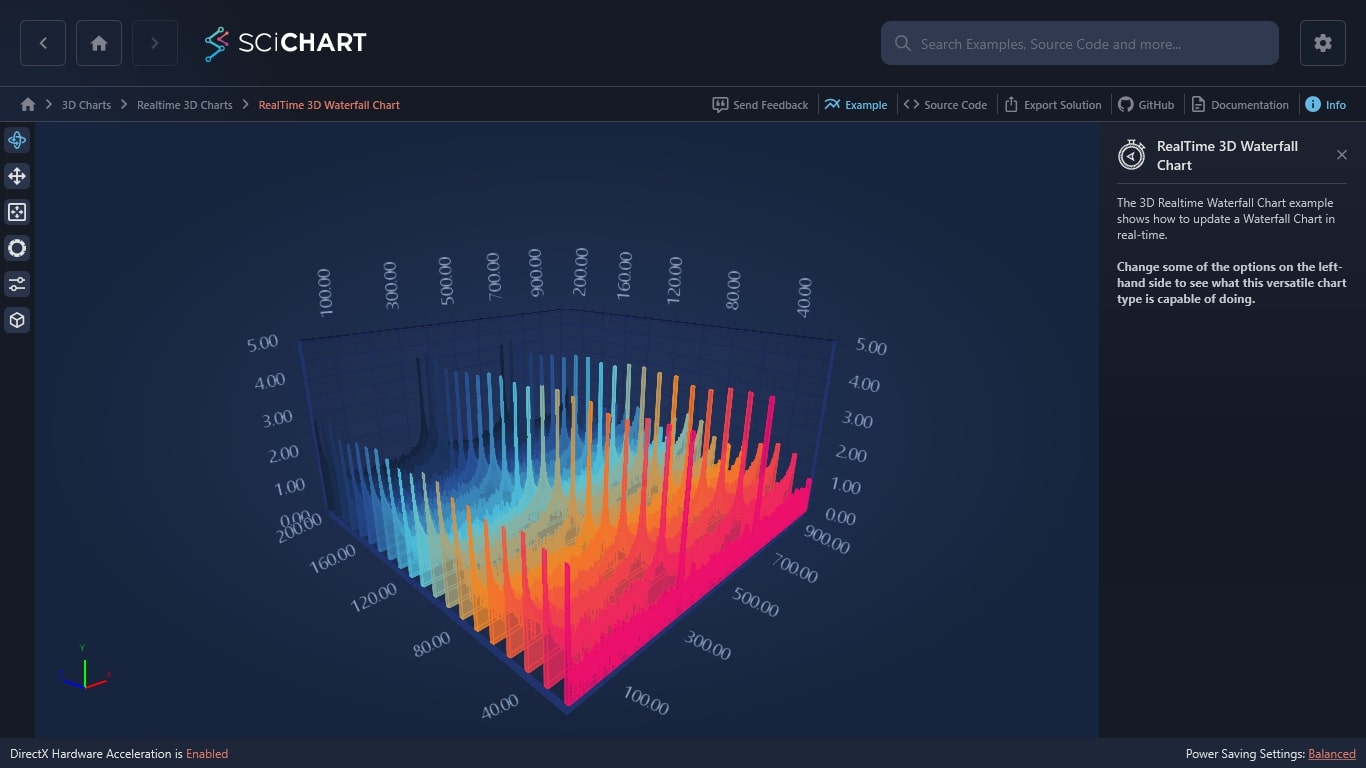
  • 3D Waterfall Charts: Ideal for time-series data with cascading layers.

SciChart’s 3D Chart Features

We provide all the features you need to create data visualizations that captivate your audience, including tooltips, annotations, and hit testing. Find all the core and advanced features for cross-platform 3D charting in one place:

  • OpenGL-Powered Rendering: Ensures smooth chart rendering on both Windows and Linux.
  • Real-Time Data Visualization: Handle large datasets, perfect for industrial monitoring or medical instruments.
  • Interactive Controls: Navigate 3D charts with zoom, pan, and rotate, accessible via mouse or touch.
  • Customizable Data Point Markers: Use built-in markers or create custom geometries for data points.
  • Hit-Testing and Selection: Select individual data points or regions with tooltips in 3D space.
  • Multiple Axes: Support for numeric, logarithmic, and category axes with flexible configurations.
  • MVVM-Friendly API: Leverage Avalonia’s MVVM architecture for clean development.
  • Customizable Camera: Control camera angles and zoom levels in 3D scenes.
  • Dynamic Themes and Lighting: Use or create custom themes and adjust lighting for enhanced visuals.

Advanced features offer flexibility for your complex applications:

  • Dynamic Data Resampling: Reduce memory usage by rendering only visible data.
  • Custom Geometry Support: Extend SciChart’s 3D engine with custom geometries.
  • PaletteProvider API: Customize data point colors based on business logic.
  • Multi-Chart Syncing: Sync zooming and panning interactions across multiple charts.

WPF 3D Charts Performance

Our legendary WPF 3D Charts performance is provided by a mixture of extensive end-to-end performance optimizations, unsafe code, C++ interop, DirectX rendering engine and intelligent culling / resampling algorithms. You just won’t find real-world charting performance quite like SciChart!

With SciChart’s WPF 3D chart library, you can now display static Surface Meshes of up to 16,000 × 16,000, real-time Surface Meshes of up to 1,000 × 1,000, or real-time Scatter Charts and Point Clouds with over 1,000,000 points.

Rich and Powerful 3D Charting APIs

SciChart’s WPF Charting APIs have been refined with feedback from thousands of developers and end-users. Our WPF 3D Chart control seamlessly integrates with the broader SciChart API ecosystem, utilizing shared APIs for axis ranging, label formatting, Chart Modifiers (interaction), and Renderable Series, ensuring consistency and flexibility across 2D and 3D charts.

Download Free Trial View Pricing

Axis Types and Config
Cursors and Tooltips
MVVM Friendly API
Rendering Properties
Selection & Hit-Test
Theming
Zooming / Panning
  • Numeric (double), DateTime, TimeSpan and Logarithmic Numeric Axis Types
  • Override Axis Label Formatting
  • Override Axis Tick Frequency
  • Toggle Gridlines, Ticks and Bands On or Off
  • Supports Axis Titles
  • Programmatic Axis World-Coordinate to Data Conversion API
  • Mouse-hover tooltips on all chart-types
  • Mouse-click Selection of scatter points and columns in 3D
  • Pass Business-objects (Metadata) through to Tooltips via PointMetadata3D API.
  • Per-series Templatable WPF Tooltips
  • MVVM Friendly API allows declaring the View in XAML and data in ViewModels.
  • Manipulate Data in ViewModels and get automatic updates on the Chart
  • All control properties are Dependency Properties allowing for binding and an intuitive WPF 3D Charting API
  • Trigger Redraw from MVVM or code.
  • Control whether Zoom/Pan Behaviour is enabled from MVVM or code.
  • Bind Tooltips to Business Objects via the PointMetadata3D API
  • FAST Immediate-Mode, DirectX powered rendering in WPF
  • DirectX9c, 10, 11 support
  • Renders over remote desktop and screen share
  • Color points individually with PaletteProvider3D API
  • Height-map / gradient fills on Surface Mesh types
  • Color Fills and Strokes
  • 3D Data-point markers: Cube, Sphere, Pyramid
  • Fast 2D Data-point markers: Ellipse, Square
  • Access to our 3D Engine to draw your own geometry
  • Hit-Test API for mouse click/hover of series, points.
  • Rich ChartModifier3D API for overriding MouseDown, MouseMove, MouseUp, Touch behaviours on the chart
  • Data-point Selection programmatically or via the mouse
  • Nearest point to mouse / Is Over point via Hit-Test API
  • Data-Point Selection API. Click to select or programmatically select data-points in 3D
  • 8 Stunning Themes to choose from
  • Create Custom Themes easily
  • Override Properties in XAML, e.g. Background, Gridlines, Text Color, Series Stroke and Fill
  • XAML Styling for Axis, RenderableSeries, Tooltips, Legends and more
  • Intuitive, WPF-Friendly API
  • Create Stunning looking Charts with Modern Styles!
  • Orbit the Chart by dragging the Mouse
  • Free-look by dragging the mouse
  • Free-move with keyboard shortcuts W-A-S-D
  • Zoom via Mousewheel
  • Zoom to fit via mouse-double-click
  • Programmatically change Camera Position, Target
  • Perspective / Orthogonal Camera modes

Comprehensive WPF Charting Examples and Documentation

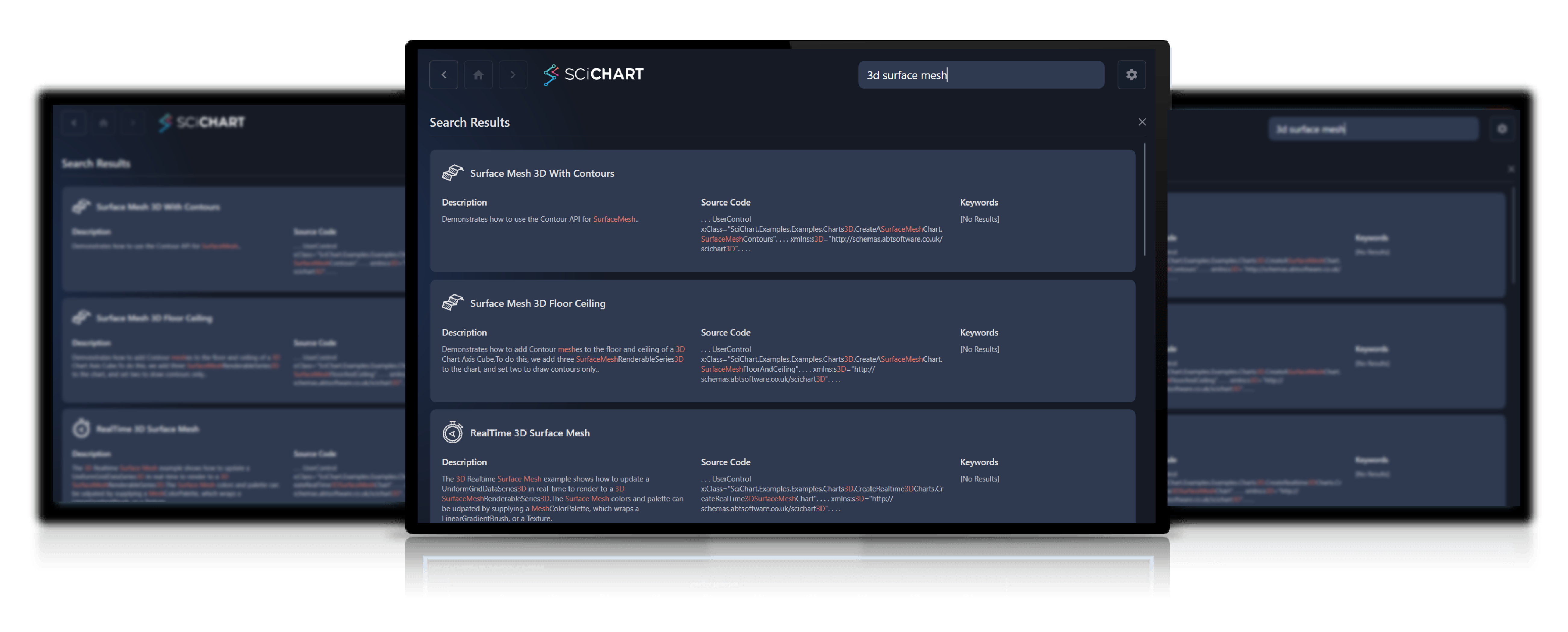
No other WPF 3D Charting library vendor supplies such comprehensive examples and WPF documentation! Our suite contains over 130 live code examples which you can export to a stand-alone Visual Studio project straight away. SciChart’s WPF 3D Charts are backed by 1,500 forum questions, 300+ pages of documentation, as well as a knowledgeable and responsive development team to help you achieve the best from SciChart.

Slide image number 1
Slide image number 2
Slide image number 3
Slide image number 4
Slide image number 5
Slide image number 6

Active Development

150,000 lines of code, 6,100 unit tests, 11,500 check-ins!

SciChart WPF Charts now have over 150,000 lines of code, covered by 3,600 unit and integration test and 7,500 check-ins to version control over four years of development. We are the most actively developed WPF Chart control in the world and continue to add features and fix bugs/issues reported by our user base.

Continuous Delivery

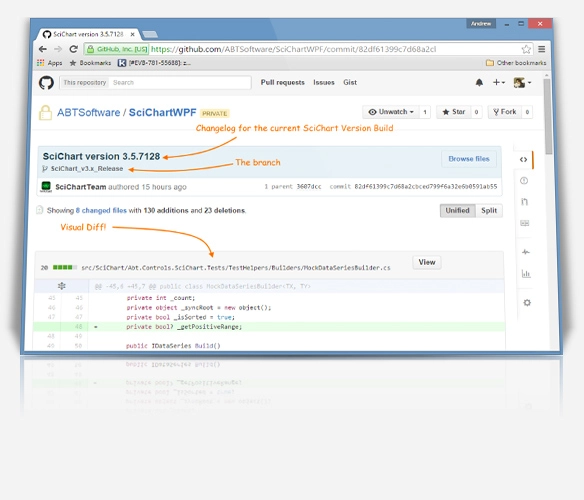
Noticed a bug with our WPF 3D chart library? Report the bug, sometimes we fix it same-day and push to NuGet / GitHub. If you’re a SciChart customer, you can get the code changes within minutes and apply them to your build, allowing you to get on with your day-to-day business. How many can say that!

Cross Platform Support

SciChart delivers high-performance charting tools on four different platforms, offering smooth integration tailored to diverse developer needs and applications.

JavaScript Charts with React charts support
Android Charts for Kotlin/Java apps
iOS Charts for Swift apps
WPF Charts for C# .NET apps

If you’re looking for a top-tier real-time charting solution with cross-platform compatibility, SciChart is the way to go.

Get Your Developer License

SciChart’s WPF 3D Chart library together with 2D charts are included to SciChart WPF 2D/3D. SciChart is licensed on a perpetual, per-developer licensing model, with royalty-free redistribution. You get access to our DirectX-powered WPF 2D and WPF 3D Charts, with a developer license.

BUY NOW