
React Financial Charts: Building a High-Performance Trading App with SciChart.js
Building professional React financial charts is about much more than putting a candlestick chart on a screen. Whether you’re building […]
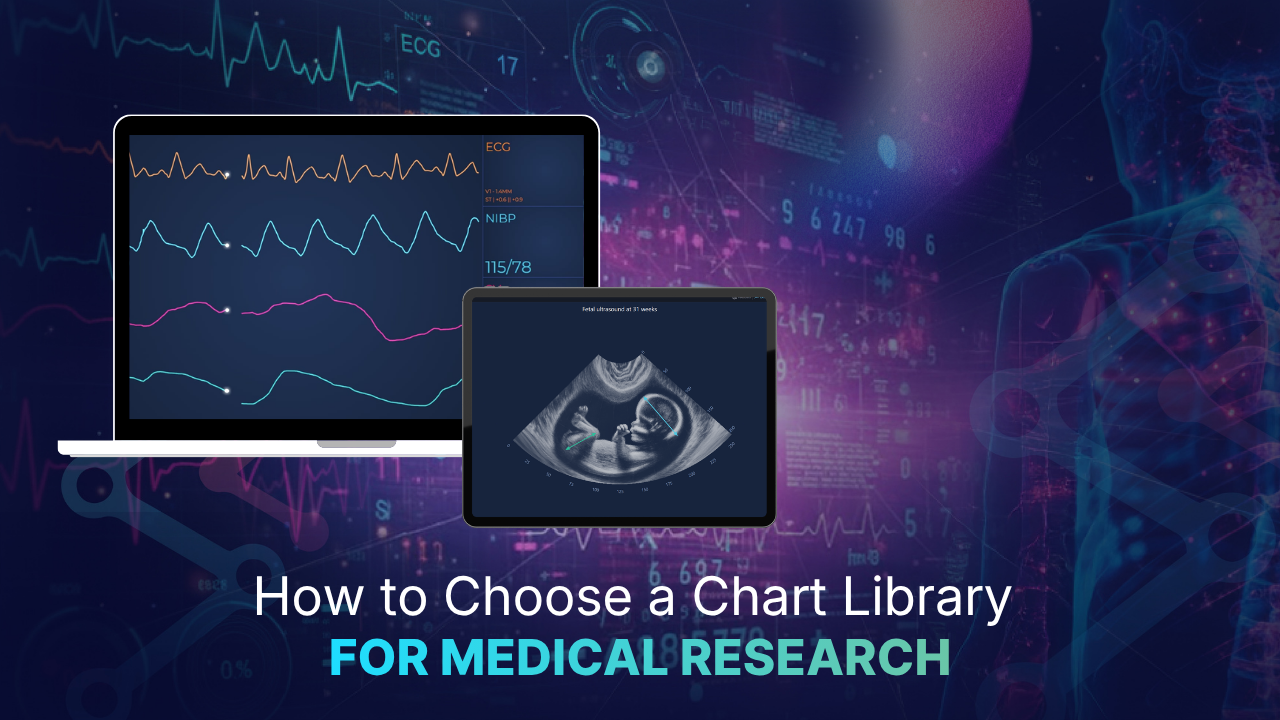
Demos rarely expose the failure points that matter in research, such as hidden spikes or drifting timestamps. To choose a chart library for medical research effectively, we recommend sizing your data first and testing candidates against real recordings. Then you can check how each option handles precision, downsampling, deployment, and support.
Key Takeaways:
- Multiply channels by sample rate and recording length before you compare libraries.
- Benchmark with anonymized real recordings that include artifacts and sharp transients.
- Assess intelligent resampling algorithms, keep minimum and maximum values, and adjust or disable these to display raw data when required.
- Check that coordinates are calculated in 64-bit precision for datasets requiring precision, such as nanosecond datasets where variations are precise and need high-fidelity monitoring.
- With the right set-up, you can comfortably add 1,000+ annotations per chart.
- Use WPF for instrument-linked workstations and JavaScript or React for shared web tools.
- SciChart supports 1 billion data points per dataset in JavaScript and React, and billions in WPF.
When choosing a chart library for medical research, check data capacity, rendering method, numeric precision, and whether downsampling, intelligent resampling, or raw data is displayed. Deployment fit, annotation limits, and access to technical support matter just as much. Use the points and checklist below to score each candidate against your datasets and research requirements.
It’s important to think about feature sets and functionality and whether they suit your future needs. Ask yourself whether the component can scale with your needs and not just hit the MVP requirements.
A consistent look and feel across devices is an important part of medical research and analysis. Having a consistent tool suite can support better data analysis. Ask whether the component can be branded in line with the requirements and if it remains consistent on multiple platforms.
Multiply channels by sample rate by recording length to get your true point count. A 64-channel EEG sampled at 1 kHz over an 8-hour sleep study produces about 1.84 billion samples. That’s 28.8 million points per channel before you add derived signals or event markers. Map this figure against each library’s documented limits per dataset. SciChart supports 1 billion data points per dataset for JavaScript and React charts, and billions of data points for WPF charts.
This is typically a viewable range. 1 billion data points is also raw data. Where multiple data sources are required at once, this data can be resampled through SciChart’s proprietary data rendering techniques. Other data can be moved out of the viewport to ensure continuity, and a more granular approach can be used when ultimate fidelity is required. However, SciChart is designed to be entirely lossless.
Synthetic sine waves make most libraries look good. Load an anonymized recording with artifacts, flat lines, and sharp transients. Measure frame times while you zoom, pan, and scroll through the full dataset. Watch memory use over several minutes of interaction, as from experience slow leaks only show up over time. SciChart’s open-source chart benchmark on GitHub gives you a repeatable starting point.
Consider whether your data is sorted e.g., time series, heatmap, or unsorted in dense scatter plots. The rendering performance can change based on the library, but SciChart is designed to handle the most demanding datasets and update accordingly.
Many libraries reduce points before drawing them. That works until the algorithm averages away a spike. Interictal spikes, QRS complexes, and pacing artifacts can disappear under naive decimation. Ask whether resampling preserves the minimum and maximum values within each pixel column. SciChart’s lossless resampling keeps peaks and troughs intact, so a zoomed-out view still shows the events you need to find. Where needed, intelligent, lossless resampling algorithms can be deactivated to present raw data.
GPUs typically work in 32-bit floats, which hold roughly seven significant digits. Plot millisecond timestamps across a long study and that precision soon runs out. The result is jittery traces and markers that drift from their true positions. Look for a library that calculates coordinates in 64-bit precision before passing geometry to the GPU. SciChart’s Visual Xccelerator™ engine works this way, so long recordings stay aligned at deep zoom. Without this, precision loss can occur causing rounding errors in scientific annotations. Or, it can also cause limited dataset size when working with nanosecond, femtosecond, or picosecond precision.
Lab workstations connected to instruments often suit a native desktop app built with WPF. Multi-site studies and shared review tools usually need a browser front end in JavaScript or React. Where data governance is strict, client-side rendering keeps raw signals off third-party servers. SciChart.js renders in the browser using WebAssembly with WebGL or WebGPU. Depending on your deployment and sector, extra compliance may be needed.
If you plan to annotate sleep stages, seizures, or stimulus events, check annotation limits. Depending on the technology powering the annotation, you may have limits on how many you can add before performance starts to lag. Annotations are separate from data points, so this limit doesn’t cap your signal volume.
We appreciate that being told there are limitations isn’t always helpful. That’s where our data performance tips can prove invaluable. They include an entire section on how to batch add annotations if the UIElement annotations are slow.
Research teams rarely have a dedicated graphics engineer. When a rendering issue blocks analysis, response time matters. SciChart’s technical support includes responsive human developers and an integrated AI assistant. For browser-based projects, check whether the SciChart.js community license fits your use case.
Medical research data rarely fits the assumptions behind general-purpose chart libraries. Recordings need to reliably run for hours and handle channel counts that keep rising. You also need confidence that you won’t miss any spikes that could change a finding. As a starting point, we recommend testing candidates against your largest real dataset and scoring them using the checklist above.
SciChart’s data visualization solutions for medical research combine GPU rendering through Visual Xccelerator™, lossless resampling, and 64-bit coordinate precision. Your team also gets direct access to human developers and an integrated AI assistant when issues come up. Explore our medical and research charting solutions or run the benchmark against your own data.
Recent Blogs

Queen’s Award for Innovation
Winners of the Queen’s Award for Innovation, recognising SciChart’s high-performance graphics engine.

National Business Awards
Highly Commended at the Lloyds National Business Awards for innovation and customer growth.

National Technology Awards
Awarded Healthcare Tech of the Year at the 2025 National Technology Awards.

Reviews
Hundreds of verified third-party reviews from developers, engineers, and customers worldwide.