
How to Detect & Manage React Memory Leaks With Ease
Stop performance lag with our expert guide on React memory leak detection for high-performance React chart applications.
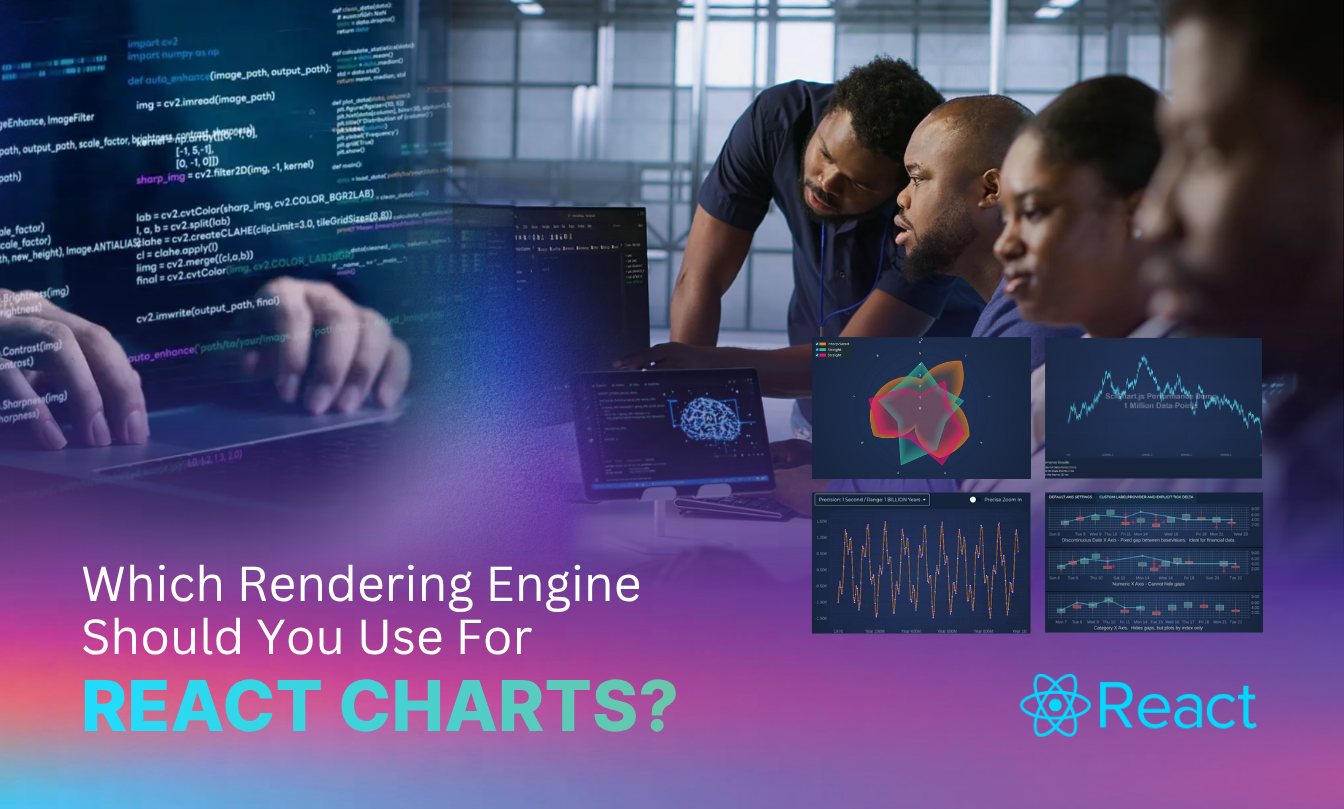
React is brilliant at managing UI state, but it wasn’t built to handle millions of data points per second. If you’re building advanced visualizations, you’ve likely felt the frustration of a UI that stutters as soon as the data starts flowing.
That’s where choosing the right rendering engine makes all the difference. Working with SVG, Canvas, or WebGL could be the difference between a solution that empowers your users and gets your ground-breaking data analysis moving forward or one that crashes browsers and brings potentially pioneering work to a standstill.
This guide covers the core options for React rendering engines, and helps you confidently choose the right one for your data visualization needs.
At SciChart, we’ve seen one too many developers and organizations choosing the wrong option, so we’ve made it our mission to point people in the right direction, and even built our very own engine in the process. Find out all about it in this guide.
React doesn’t just paint pixels on the screen immediately. Instead, it creates a virtual representation of your UI. When state changes, React compares this virtual version to the previous one. This process, known as reconciliation, helps React figure out exactly what needs to update in the actual DOM. It’s clever, sure, but when you’re trying to update thousands of data points every second, this abstraction layer can sometimes become a bottleneck.
Re-rendering in React happens whenever a component’s state or props change. React calls the component function again to see if the output should look different. In a standard app, this is lightning fast. But, in a charting environment, unnecessary re-renders can play havoc with your UI performance. If your chart component triggers a full update every time a single data point arrives, performance will tank. Developers must be careful to memoize components or use specialized libraries to prevent these frequent, costly updates from lagging the UI.
Most libraries give you a few standard choices for actually drawing the lines and bars on the screen.
Scalable Vector Graphics (SVG) are known for delivering crisp, pixel-perfect aesthetics. Because they are part of the DOM, you can style them with CSS and attach event listeners directly to elements. They are suitable for interactive, smaller datasets. However, because every data point is a DOM node, SVGs struggle significantly once you hit a few thousand points.
The HTML5 Canvas API doesn’t create a complex node tree like SVG, which makes it much faster for rendering larger amounts of data. The downside? You lose the easy CSS styling and built-in interactivity. You have to manually calculate where a user clicked if you want to show a tooltip.
WebGL takes things to the hardware level. It uses the GPU to render graphics, allowing for large-scale parallel processing. This is where you start seeing real-time performance for complex visualizations. It’s incredibly fast (think 60 FPS or faster) but carries a steep learning curve if you’re writing raw shaders.
Then there is the Visual Xccelerator™ engine, built from the ground up by SciChart. This is a proprietary technology designed to bypass the limitations of standard web rendering. It combines the best of low-level optimization and clever memory management with ease of use for the developer. This allows you to execute code at near-native speed.
SciChart’s Visual Xccelerator™ engine is a specialized C++ engine compiled to WebAssembly. This allows it to perform at near-native speeds within the browser. It manages memory manually and uses algorithms to handle datasets exceeding 100 million data points without lag. By offloading the hard work from the main JavaScript thread, it ensures the rest of your React UI remains responsive.
The Visual Xccelerator™ sits on top of WebGL. It handles all the complex shader code and buffer management. It optimizes how data is sent to the GPU. Instead of sending data back and forth, which creates a bottleneck, it keeps as much as possible in GPU memory.
Unlike SVG, which remembers every element you draw, this engine uses an immediate mode style. It draws the current frame and moves on, which is one of the secrets behind the unparalleled real-time performance even at 100 million+ data points.
The underlying technology used to draw pixels determines whether your dashboard feels fluid or locks up the browser. Below is a comparison table to help you understand the trade-offs between SVG, Canvas, and WebGL when building React charts.
| Feature | SVG (Scalable Vector Graphics) | HTML5 Canvas | WebGL (via Visual Xccelerator™) |
| Ideal Data Volume | Small datasets (< 1,000 points) | Medium datasets (1k – 50k points) | Massive datasets (100k – 100M+ points) |
| Performance | Low, every point is a DOM node | Moderate, raster-based drawing | Extreme, GPU-accelerated rendering |
| Interactivity | Easy, uses standard CSS/JS events | Manual, requires coordinate math | High-performance, built-in hit testing |
| Scalability | Struggles with high-density data | Better, but limited by CPU | Unparalleled real-time performance |
| Visual Quality | Perfectly crisp at any zoom | Can blur if not scaled for DPI | Sharp, high-speed drawing |
| Development Effort | Low; very intuitive | Moderate; requires drawing logic | Optimized via SciChart API |
| Best Use Case | Simple static infographics | Standard business dashboards | Scientific, medical, or financial apps |
Choosing the right tool depends on your specific requirements. Consider this checklist:
If you answered ‘yes’ to most or all of the above questions, WebGL rendering is a no-brainer choice.
If you’re tired of fighting with laggy SVGs or complex WebGL setups, SciChart offers the most advanced chart library support for React developers. It’s built to handle the most demanding big data tasks while keeping your React integration clean.
Explore our React charts and check out our React chart examples and demos to see the performance difference. If you are ready to build, get started with SciChart.js or view our chart benchmark on GitHub.
Recent Blogs

Queens Award for Innovation
Proud winners of the Queens Award for Innovation, 2019. Awarded on account of our innovative graphics engine which underpins the SciChart library and enables our world-beating charting performance

National Business Awards
Highly Commended for Lloyds National Business Awards, 2019. Awarded on account of our innovative graphics engine and impressive customer base

National Technology Awards
Awarded “Healthcare Tech of the Year” at the 2025 National Technology Awards – a top UK recognition for breakthrough innovation in technology.

Reviews
SciChart has received hundreds of verified, 3rd party reviews