
SciChart for Avalonia XPF v3.0 Released!
SciChart is delighted to announce the release of SciChart XPF v3 — a big step forward for the product. v3 brings […]
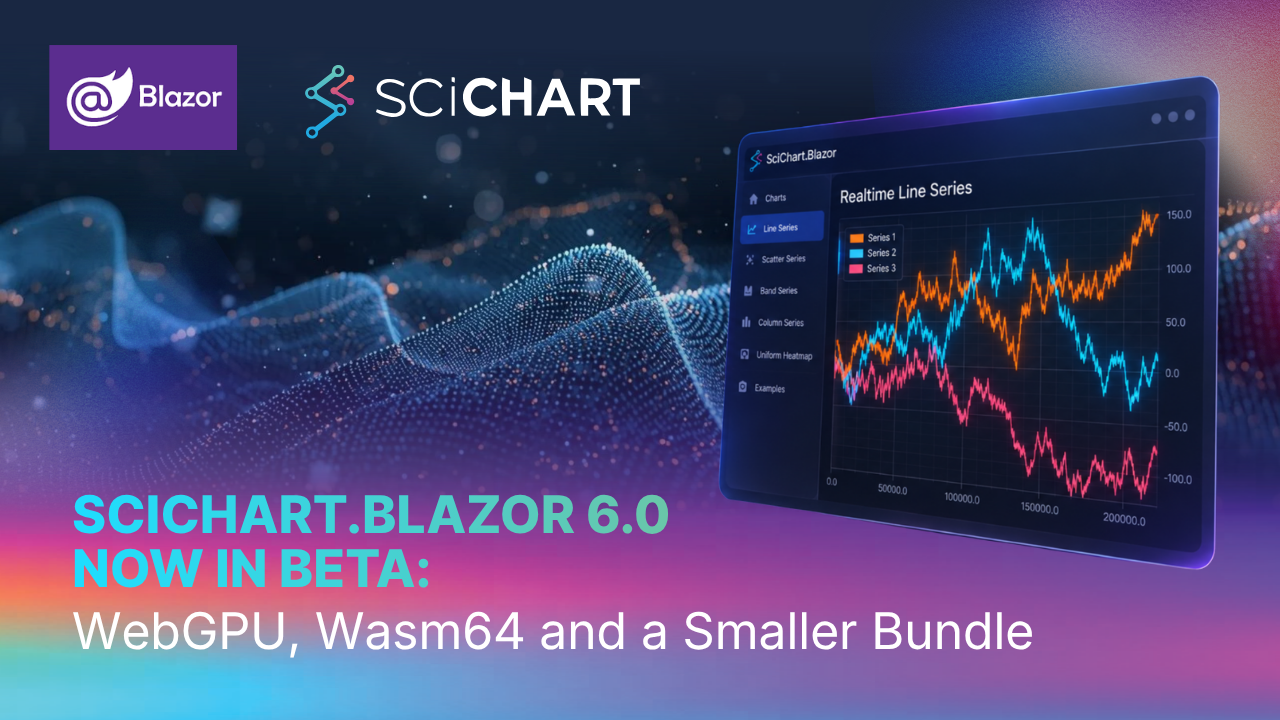
In March we released SciChart for Blazor in Alpha, bringing SciChart.js charts to .NET developers through a Razor-style component syntax. Today, SciChart.Blazor moves to Beta with version 6.0.
SciChart.Blazor 6 updates the library to scichart.js 6.0.6. It adds WebGPU rendering, a 64-bit WebAssembly engine, a smaller tree-shaken bundle, and several new series and annotation options.
Charts can now render with WebGPU as well as WebGL. The IS_WEB_GPU local storage key sets the renderer:
| Value | Renderer |
|---|---|
| unset | Auto |
"1" | WebGPU |
"0" | WebGL |
In Auto mode, SciChart.Blazor uses WebGPU on Apple Silicon Macs and WebGL everywhere else. A new ERenderMode enum covers these options. Both demos also have a Render Mode dropdown on the Home page, so you can switch renderers and compare.
WebAssembly apps in the browser are capped at 4GB of memory. Wasm64 raises that limit to 16GB of in-browser memory for chart data, enough for around 1 billion XY data points. That means you can keep full-resolution datasets in the browser instead of pre-aggregating them on the server. The standard Wasm32 engine remains the default and holds around 250 million XY data points.
The SCICHART_WASM_MODE local storage key sets the WebAssembly engine. It takes one of three values: Wasm32 (the default), Wasm32NoSimd or Wasm64. Wasm64 requires Chrome or Edge 133+, or Firefox 134+. Browsers that don’t support it, including Safari, fall back to the standard Wasm32 engine. A new EWasmMode enum covers these options. Both demos have a Wasm Mode dropdown on the Home page.
The bundle now registers only the chart types that the Blazor components can create. 3D, polar and pie code is no longer included. As a result, sciChartJsWrapper.js is down from 1.76 MB to 1.33 MB, or from 409 KB to 321 KB gzipped.
OHLC auto-simplify. FastOhlcRenderableSeries has three new properties: AutoSimplify, SimplifyOpenThresholdPx and SimplifyCloseThresholdPx. When the bars get too dense, these properties hide the open and close ticks. The OHLC demo has an Auto Simplify On / Off button so you can see the difference.
Per-series Y axis in stacked column collections. StackedColumnRenderableSeries now supports YAxisId. Series that share a StackedGroupId must use the same Y axis. The Vertically Stacked Column demo now shows a second group on its own Y axis.
Contour color map modes. UniformContoursRenderableSeries has a new ColorMapMode property, which uses the new EContourColorMapMode enum. The modes are SingleColor (the default), GradientColors and AlternateColors. The Uniform Contours demo has a Color Map Mode dropdown.
Pixel-aligned box annotations. Setting IsPixelAligned on BoxAnnotation keeps the border stable while you drag or pan.
License and console debugging. The LICENSE_DEBUG local storage key now also turns SciChart.Blazor console logging on and off. Both demos have a License Debug checkbox on the Home page that sets this key.
WebAssembly file names have changed. The package now ships scichart.wasm, scichart-nosimd.wasm and scichart-64.wasm instead of scichart2d.wasm. Update any of the following that refer to scichart2d.wasm:
Tree-shaking limits the bundled chart types. The bundle only includes the chart types the Blazor components can create. If you call scichart.js directly through custom JS interop for 3D, polar or pie charts, that code is no longer in sciChartJsWrapper.js.
Install the package from NuGet: SciChart.Blazor
The demos and setup instructions are in the examples repo: github.com/abtsoftware/scichart.blazor.examples
Related Posts

Queen’s Award for Innovation
Winners of the Queen’s Award for Innovation, recognising SciChart’s high-performance graphics engine.

National Business Awards
Highly Commended at the Lloyds National Business Awards for innovation and customer growth.

National Technology Awards
Awarded Healthcare Tech of the Year at the 2025 National Technology Awards.

Reviews
Hundreds of verified third-party reviews from developers, engineers, and customers worldwide.