
SciChart for Avalonia XPF v2.0 Released!
SciChart is thrilled to announce the release of SciChart for Avalonia XPF 2.0 – a major update that brings all features and improvements […]
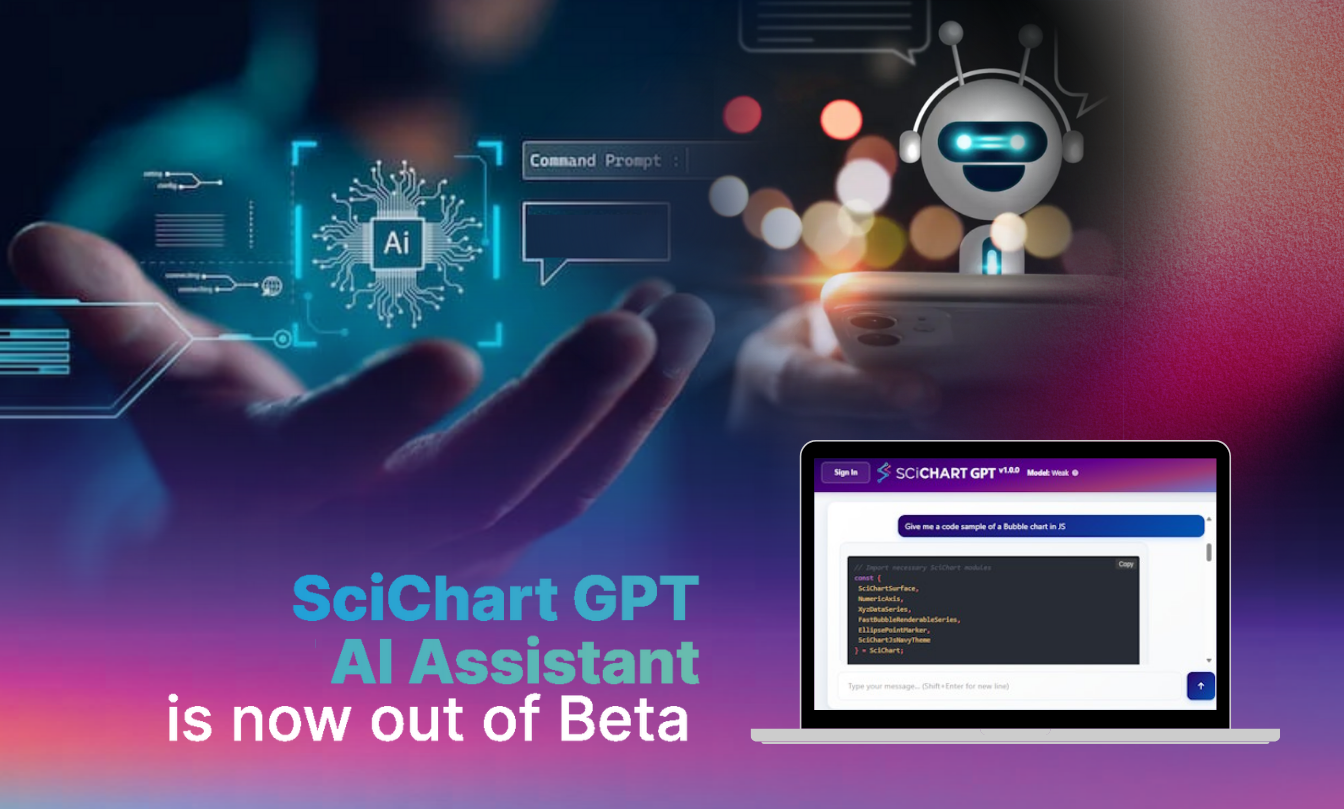
We’re excited to announce a major update to the SciChart AI Assistant, designed to deliver more accurate answers, better code samples and a smoother user experience.
The SciChart-GPT serves retrieval augmented generation (RAG) results from the entire database of SciChart content: over 25,000 pages of documentation, demos/examples, blog posts, FAQs and forum knowledgebase across all products/platforms.
Ask any question about SciChart WPF, SciChart.js, SciChart iOS / Android, how to build something, if a feature is supported or technical questions, and the AI Assistant will respond with accurate, up to date results.
Read what’s new below!
Our upgraded retrieval and ranking pipeline reduces hallucinations and delivers far more accurate, context-aware code examples across all platforms.
A lot of work has gone into the back-end database to ensure that we serve relevant, up to date content with more complete documentation data. Front-end query processing improvements ensure more accurate interpretation of technical questions, with fewer code / API hallucinations.
Guest users now use a lightweight 10B class model for fast responses, while signed-in users are automatically routed to a 300B+ class model for deeper reasoning, more accurate technical guidance and richer code samples.+
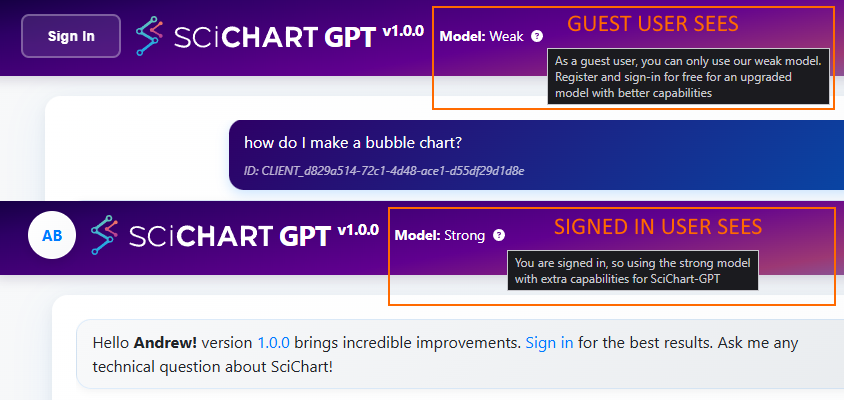
For the best results and most accurate answers: sign in when using SciChart GPT. It’s free!
Multi-turn questions are automatically rewritten into a single, precise query – leading to dramatically improved answer quality.
For example, if you ask:
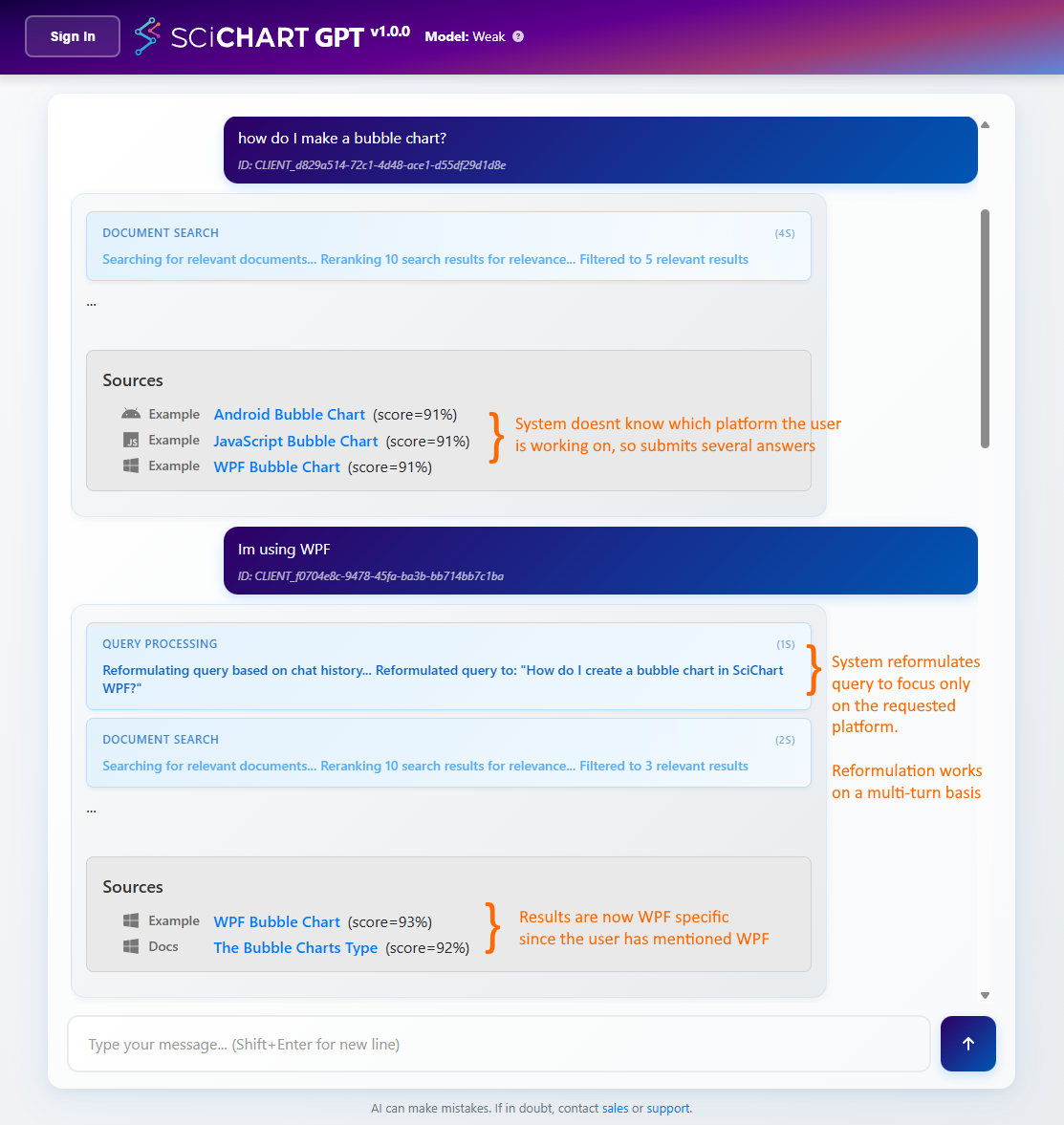
This query reformulation adjusts if you switch context mid-stream, e.g. Mentioning
Try it out! chat.scichart.com
In the Beta, many users reported that the platform intent would lose track of what product you were working on. For example, if you ask for WPF answers, the AI Assistant could start giving you SciChart.js or even iOS/Android answers and code samples after a few successive turns.
Now, when you mention a platform (or if a platform/language is detected), the assistant shifts to documentation and examples for that platform only, and persists the platform intent until you redirect it.
If you switch context mid-stream to ask about another product, the assistant will adjust the context from that point onward.
On the website, we’ve integrated a floating-action menu alongside the AI Assistant with the option to contact sales via live-chat. Now you can bug our sales team while GPT-ing for answers!
Smarter formatting, cleaner output and a better mobile-friendly layout.
Related Posts

Queens Award for Innovation
Proud winners of the Queens Award for Innovation, 2019. Awarded on account of our innovative graphics engine which underpins the SciChart library and enables our world-beating charting performance

National Business Awards
Highly Commended for Lloyds National Business Awards, 2019. Awarded on account of our innovative graphics engine and impressive customer base

National Technology Awards
Awarded “Healthcare Tech of the Year” at the 2025 National Technology Awards – a top UK recognition for breakthrough innovation in technology.

Reviews
SciChart has received hundreds of verified, 3rd party reviews