
WPF Chart - Examples
SciChart WPF ships with hundreds of WPF Chart Examples which you can browse, play with, view the source-code and even export each WPF Chart Example to a stand-alone Visual Studio solution. All of this is possible with the new and improved SciChart WPF Examples Suite, which ships as part of the SciChart WPF SDK.

The ECG Monitor Demo showcases a real-time heart-rate monitor. This example uses MVVM and shows how fill a FIFO Series with data, shifting the XAxis.VisibleRange by 50% when the trace reaches the right edge.
The example can run indefinitely as the FIFO chart series automatically discards points that are outside the viewport.
A refresh rate of 50Hz is used and a shader effect is applied to provide a slight glow to the series to simulate the trace glow on an oscilloscope VDU.
The C#/WPF source code for the WPF ECG Monitor Chart Demo example is included below (Scroll down!).
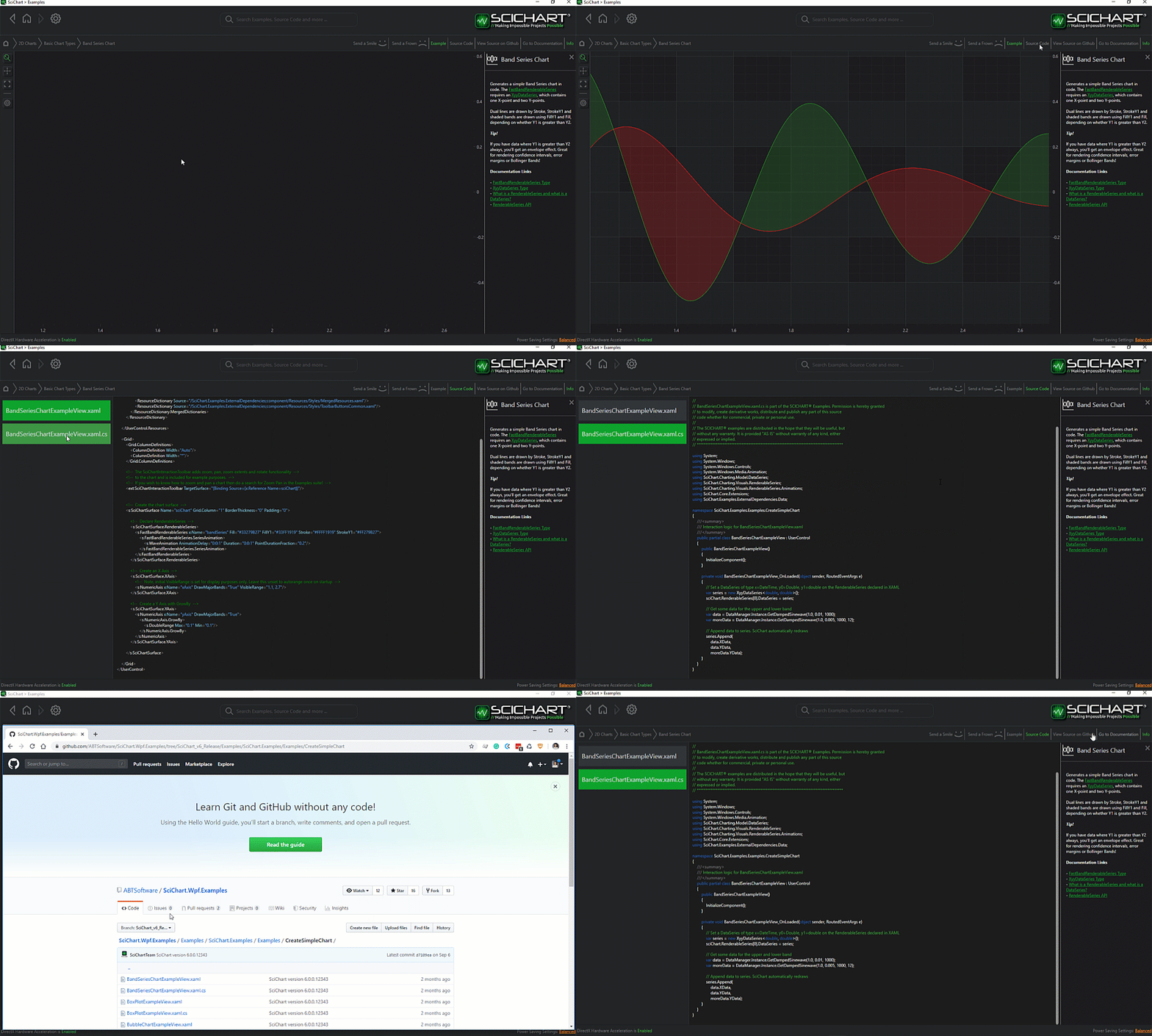
Did you know you can also view the source code from one of the following sources as well?
- Clone the SciChart.WPF.Examples from Github.
- Or, view source in the SciChart WPF Examples suite.
- Also the SciChart WPF Trial contains the full source for the examples (link below).
ECGMonitorView.xaml
View source code<UserControl x:Class="SciChart.Examples.Examples.SeeFeaturedApplication.ECGMonitor.ECGMonitorView"
xmlns="http://schemas.microsoft.com/winfx/2006/xaml/presentation"
xmlns:x="http://schemas.microsoft.com/winfx/2006/xaml"
xmlns:d="http://schemas.microsoft.com/expression/blend/2008"
xmlns:i="http://schemas.microsoft.com/xaml/behaviors"
xmlns:local="clr-namespace:SciChart.Examples.Examples.SeeFeaturedApplication.ECGMonitor"
xmlns:mc="http://schemas.openxmlformats.org/markup-compatibility/2006"
xmlns:s="http://schemas.abtsoftware.co.uk/scichart"
d:DesignHeight="400"
d:DesignWidth="600"
mc:Ignorable="d">
<i:Interaction.Triggers>
<i:EventTrigger EventName="Loaded">
<i:InvokeCommandAction Command="{Binding StartCommand}" />
</i:EventTrigger>
<i:EventTrigger EventName="Unloaded">
<i:InvokeCommandAction Command="{Binding StopCommand}" />
</i:EventTrigger>
</i:Interaction.Triggers>
<UserControl.Resources>
<!-- Adds a glow effect to the render surface (Surface that holds the series) -->
<Style TargetType="s:RenderSurfaceBase">
<Setter Property="Effect">
<Setter.Value>
<DropShadowEffect BlurRadius="5"
ShadowDepth="0"
Color="#FFB3E8F6" />
</Setter.Value>
</Setter>
</Style>
<local:BeatToScaleConverter x:Key="BeatToScaleConverter" />
</UserControl.Resources>
<Grid>
<!-- Define the chart with databindings to DataSet, X and Y VisibleRange -->
<s:SciChartSurface RenderPriority="Low">
<s:SciChartSurface.RenderableSeries>
<s:FastLineRenderableSeries DataSeries="{Binding EcgDataSeries}"
Stroke="#FFB3E8F6"
StrokeThickness="2" />
</s:SciChartSurface.RenderableSeries>
<s:SciChartSurface.YAxis>
<s:NumericAxis AxisTitle="Voltage (mV)"
DrawMinorGridLines="True"
MaxAutoTicks="5"
VisibleRange="{Binding YVisibleRange,
Mode=TwoWay}" />
</s:SciChartSurface.YAxis>
<!-- Define the XAxis. Optional bands give a cool look and feel for minimal performance impact -->
<s:SciChartSurface.XAxis>
<s:NumericAxis AnimatedVisibleRange="{Binding XVisibleRange,
Mode=TwoWay}"
AxisTitle="Time (seconds)"
DrawMajorBands="True"
DrawMinorGridLines="True"
MaxAutoTicks="5" />
</s:SciChartSurface.XAxis>
</s:SciChartSurface>
<!-- Create UI for the heatbeat and BPM overlay -->
<StackPanel Margin="30,30" Orientation="Horizontal">
<StackPanel.Effect>
<DropShadowEffect BlurRadius="5"
ShadowDepth="0"
Color="#FFB3E8F6" />
</StackPanel.Effect>
<!-- Heartbeat, binds to IsBeat and uses a converter to change the size of the heart icon -->
<Grid HorizontalAlignment="Left" VerticalAlignment="Top">
<Canvas Name="layer1"
Width="20"
Height="20"
Margin="12,34,10,0">
<Canvas.RenderTransform>
<ScaleTransform CenterX="-6"
CenterY="-6"
ScaleX="{Binding IsBeat,
Converter={StaticResource BeatToScaleConverter}}"
ScaleY="{Binding IsBeat,
Converter={StaticResource BeatToScaleConverter}}" />
</Canvas.RenderTransform>
<Path Data="m 0 0 c -4 -4 -8.866933 -10.79431 -10 -15 0 0 0 -5 5 -5 5 0 5 5 5 5 0 0 0 -5 5 -5 5 0 5.242535 4.02986 5 5 -1 4 -6 11 -10 15 z" Fill="#FFB0E6F4" />
</Canvas>
</Grid>
<!-- Heart Rate (BPM), binds to HeartRate -->
<TextBlock HorizontalAlignment="Left"
VerticalAlignment="Top"
FontFamily="ArialBlack"
FontSize="36"
FontWeight="Bold"
Foreground="#FFB0E6F4"
Text="{Binding HeartRate}" />
<TextBlock HorizontalAlignment="Left"
VerticalAlignment="Top"
FontFamily="ArialBlack"
FontSize="36"
FontWeight="Bold"
Foreground="#FFB0E6F4"
Text="BPM" />
</StackPanel>
</Grid>
</UserControl>ECGMonitorView.xaml.cs
View source code// *************************************************************************************
// SCICHART® Copyright SciChart Ltd. 2011-2022. All rights reserved.
//
// Web: http://www.scichart.com
// Support: support@scichart.com
// Sales: sales@scichart.com
//
// ECGMonitorView.xaml.cs is part of the SCICHART® Examples. Permission is hereby granted
// to modify, create derivative works, distribute and publish any part of this source
// code whether for commercial, private or personal use.
//
// The SCICHART® examples are distributed in the hope that they will be useful, but
// without any warranty. It is provided "AS IS" without warranty of any kind, either
// expressed or implied.
// *************************************************************************************
using System.Windows.Controls;
namespace SciChart.Examples.Examples.SeeFeaturedApplication.ECGMonitor
{
/// <summary>
/// Interaction logic for ECGMonitorView.xaml
/// </summary>
public partial class ECGMonitorView : UserControl
{
public ECGMonitorView()
{
InitializeComponent();
}
}
}
ECGMonitorViewModel.cs
View source code// *************************************************************************************
// SCICHART® Copyright SciChart Ltd. 2011-2022. All rights reserved.
//
// Web: http://www.scichart.com
// Support: support@scichart.com
// Sales: sales@scichart.com
//
// ECGMonitorViewModel.cs is part of the SCICHART® Examples. Permission is hereby granted
// to modify, create derivative works, distribute and publish any part of this source
// code whether for commercial, private or personal use.
//
// The SCICHART® examples are distributed in the hope that they will be useful, but
// without any warranty. It is provided "AS IS" without warranty of any kind, either
// expressed or implied.
// *************************************************************************************
using System;
using System.Timers;
using System.Windows.Input;
using SciChart.Charting.Common.Helpers;
using SciChart.Charting.Model.DataSeries;
using SciChart.Data.Model;
using SciChart.Examples.ExternalDependencies.Common;
using SciChart.Examples.ExternalDependencies.Data;
namespace SciChart.Examples.Examples.SeeFeaturedApplication.ECGMonitor
{
public class ECGMonitorViewModel : BaseViewModel
{
private Timer _timer;
private readonly object _timerLock = new object();
private IUniformXyDataSeries<double> _dataSeries;
private readonly double[] _sourceData;
private int _currentIndex;
private double _totalTime;
private DoubleRange _xVisibleRange;
private DoubleRange _yVisibleRange;
private int _heartRate;
private bool _isBeat;
private bool _lastBeat;
private DateTime _lastBeatTime;
private const double WindowSize = 5d;
private const int TimerInterval = 20;
private const int SampleRate = 400;
public ECGMonitorViewModel()
{
// Create a data series. We use FIFO series as we
// want to discard old data after 5000pts
// At the sample rate of ~500Hz and 5 seconds
// visible range we'll need 2500 points in the FIFO.
// We set 5000 so no data gets discarded while still in view
_dataSeries = new UniformXyDataSeries<double>(0d, 1d / SampleRate) { FifoCapacity = 5000 };
// Simulate waveform
_sourceData = DataManager.Instance.LoadWaveformData();
XVisibleRange = new DoubleRange(0d, WindowSize);
YVisibleRange = new DoubleRange(-0.5, 1.5);
StartCommand = new ActionCommand(OnExampleEnter);
StopCommand = new ActionCommand(OnExampleExit);
}
public ICommand StartCommand { get; }
public ICommand StopCommand { get; }
/// <summary>
/// SciChartSurface.DataSet binds to this
/// </summary>
public IUniformXyDataSeries<double> EcgDataSeries
{
get => _dataSeries;
set
{
_dataSeries = value;
OnPropertyChanged(nameof(EcgDataSeries));
}
}
/// <summary>
/// SciChartSurface.YAxis.VisibleRange binds to this
/// </summary>
public DoubleRange YVisibleRange
{
get => _yVisibleRange;
set
{
_yVisibleRange = value;
OnPropertyChanged(nameof(YVisibleRange));
}
}
/// <summary>
/// SciChartSurface.XAxis.VisibleRange binds to this
/// </summary>
public DoubleRange XVisibleRange
{
get => _xVisibleRange;
set
{
if (!value.Equals(_xVisibleRange))
{
_xVisibleRange = value;
OnPropertyChanged(nameof(XVisibleRange));
}
}
}
/// <summary>
/// The heartbeat graphic binds to this, and changes its scale on heartbeat
/// </summary>
public bool IsBeat
{
get => _isBeat;
set
{
if (_isBeat != value)
{
_isBeat = value;
OnPropertyChanged(nameof(IsBeat));
}
}
}
/// <summary>
/// The heartrate textblock binds to this
/// </summary>
public int HeartRate
{
get => _heartRate;
set
{
_heartRate = value;
OnPropertyChanged(nameof(HeartRate));
}
}
// These methods are just used to do tidy up when switching between examples
public void OnExampleExit()
{
if (_timer != null)
{
_timer.Stop();
_timer.Elapsed -= TimerElapsed;
_timer = null;
}
}
public void OnExampleEnter()
{
_timer = new Timer(TimerInterval) { AutoReset = true };
_timer.Elapsed += TimerElapsed;
_timer.Start();
}
private void TimerElapsed(object sender, EventArgs e)
{
lock (_timerLock)
{
// As timer cannot tick quicker than ~20ms, we append 10 points
// per tick to simulate a sampling frequency of 500Hz (e.g. 2ms per sample)
for (int i = 0; i < 10; i++)
{
AppendPoint();
}
// Assists heartbeat - it must show for 120ms before being deactivated
if ((DateTime.Now - _lastBeatTime).TotalMilliseconds < 120d)
{
return;
}
// Threshold the ECG voltage to determine if a heartbeat peak occurred
IsBeat = _dataSeries.YValues[_dataSeries.Count - 3] > 0.5 ||
_dataSeries.YValues[_dataSeries.Count - 5] > 0.5 ||
_dataSeries.YValues[_dataSeries.Count - 8] > 0.5;
// If so, compute the heart rate, update the last beat time
if (IsBeat && !_lastBeat)
{
HeartRate = (int)(60d / (DateTime.Now - _lastBeatTime).TotalSeconds);
_lastBeatTime = DateTime.Now;
}
}
}
private void AppendPoint()
{
if (_currentIndex >= _sourceData.Length)
{
_currentIndex = 0;
}
// Get the next voltage and time, and append to the chart
double voltage = _sourceData[_currentIndex];
_dataSeries.Append(voltage);
// Calculate the next visible range
ComputeXAxisRange(_totalTime);
_lastBeat = IsBeat;
_currentIndex++;
_totalTime += 1d / SampleRate;
}
private void ComputeXAxisRange(double time)
{
if (time >= XVisibleRange.Max)
{
// Calculates a visible range. When the trace touches the right edge of the chart
// (governed by WindowSize), shift the entire range 50% so that the trace is in the
// middle of the chart
double fractionSize = WindowSize * 0.5;
double newMin = fractionSize * Math.Floor((time - fractionSize) / fractionSize);
double newMax = newMin + WindowSize;
XVisibleRange = new DoubleRange(newMin, newMax);
}
}
}
}BeatToScaleConverter.cs
View source code// *************************************************************************************
// SCICHART® Copyright SciChart Ltd. 2011-2022. All rights reserved.
//
// Web: http://www.scichart.com
// Support: support@scichart.com
// Sales: sales@scichart.com
//
// BeatToScaleConverter.cs is part of the SCICHART® Examples. Permission is hereby granted
// to modify, create derivative works, distribute and publish any part of this source
// code whether for commercial, private or personal use.
//
// The SCICHART® examples are distributed in the hope that they will be useful, but
// without any warranty. It is provided "AS IS" without warranty of any kind, either
// expressed or implied.
// *************************************************************************************
using System;
using System.Globalization;
using System.Windows.Data;
namespace SciChart.Examples.Examples.SeeFeaturedApplication.ECGMonitor
{
/// <summary>
/// ValueConverter which converts a boolean (IsBeat) to scale, used
/// to simulate the beating heart graphic
/// </summary>
public class BeatToScaleConverter : IValueConverter
{
public object Convert(object value, Type targetType, object parameter, CultureInfo culture)
{
return (value is bool isBeat && isBeat) ? 2.2 : 1.5;
}
public object ConvertBack(object value, Type targetType, object parameter, CultureInfo culture)
{
throw new NotImplementedException();
}
}
}


