
WPF Chart - Examples
SciChart WPF ships with hundreds of WPF Chart Examples which you can browse, play with, view the source-code and even export each WPF Chart Example to a stand-alone Visual Studio solution. All of this is possible with the new and improved SciChart WPF Examples Suite, which ships as part of the SciChart WPF SDK.

Generates a simple line chart with a chart legend. The Legend is created as follows:
– Adding a LegendModifier Type to the SciChartSurface.ChartModifier. This aggregates and exposes series data which you can bind to.
– Adding a SciChartLegend to the chart, binding it to LegendModifier.LegendData.SeriesInfo.
Tip!
There are many different configurations for the legend, including auto-creation of legend, or fine grained control over the legend rows. Please review the API documentation below carefully for further informatino.
Documentation Links
– SciChart Legend API Overview
– SciChartLegend ItemsPanel and ItemsTemplate
– Custom Legend with Color Picker and Custom Point Markers
– SeriesInfo – The Series ViewModel for Legends, Tooltips, Rollovers
– SciChartLegend Type
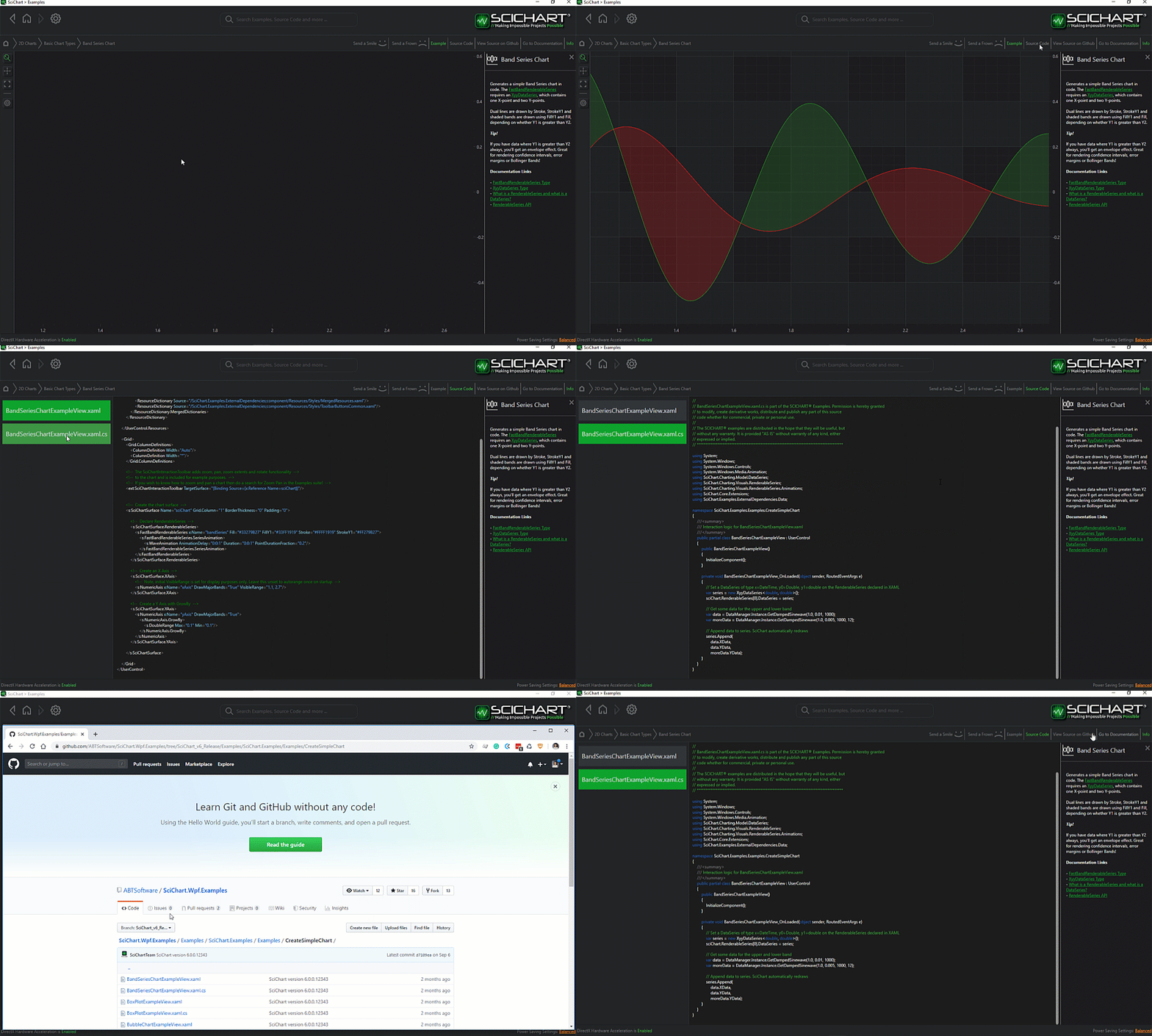
The C#/WPF source code for the WPF Chart Legends API example is included below (Scroll down!).
Did you know you can also view the source code from one of the following sources as well?
- Clone the SciChart.WPF.Examples from Github.
- Or, view source in the SciChart WPF Examples suite.
- Also the SciChart WPF Trial contains the full source for the examples (link below).
ChartLegendsExampleView.xaml
View source code<UserControl x:Class="SciChart.Examples.Examples.CreateMultiseriesChart.MultipleLinesView"
xmlns="http://schemas.microsoft.com/winfx/2006/xaml/presentation"
xmlns:x="http://schemas.microsoft.com/winfx/2006/xaml"
xmlns:s="http://schemas.abtsoftware.co.uk/scichart"
Loaded="MultipleLinesView_OnLoaded"
xmlns:mc="http://schemas.openxmlformats.org/markup-compatibility/2006"
xmlns:d="http://schemas.microsoft.com/expression/blend/2008"
xmlns:ext="http://schemas.abtsoftware.co.uk/scichart/exampleExternals"
d:DesignHeight="400"
d:DesignWidth="600"
mc:Ignorable="d">
<Grid>
<Grid.ColumnDefinitions>
<ColumnDefinition Width="Auto" />
<ColumnDefinition Width="*" />
</Grid.ColumnDefinitions>
<Border Background="#FF232426" BorderThickness="0,0,2,0" BorderBrush="#323539" Canvas.ZIndex="9999">
<StackPanel Orientation="Vertical">
<ToggleButton Margin="3" x:Name="SelectionEnabledToggle"
Content="SeriesSelection"
HorizontalAlignment="Left"
ToolTipService.ToolTip="Toggle Series Selection"
Style="{StaticResource PointerButtonStyle}"
IsChecked="True"/>
<ext:FlyoutMenuButton Style="{StaticResource FlyoutMenuButtonStyle}" Content="SRC" Padding="0">
<ext:FlyoutMenuButton.PopupContent>
<StackPanel Orientation="Vertical" MinWidth="150">
<TextBlock Text="Legend Source" />
<ext:FlyoutSeparator/>
<ComboBox Margin="4" x:Name="cboGetLegendFor" SelectionChanged="OnLegendModeChanged" />
</StackPanel>
</ext:FlyoutMenuButton.PopupContent>
</ext:FlyoutMenuButton>
<ext:FlyoutMenuButton Style="{StaticResource FlyoutMenuButtonStyle}" Content="PLC" Padding="0">
<ext:FlyoutMenuButton.PopupContent>
<StackPanel Orientation="Vertical" MinWidth="150" Margin="0,0,0,4">
<TextBlock Text="Legend.LegendPlacement" />
<ext:FlyoutSeparator/>
<ComboBox Margin="4" x:Name="cboLegendPlacement" SelectionChanged="OnLegendPlacementChanged" />
<TextBlock Text="Legend.Orientation" />
<ext:FlyoutSeparator/>
<ComboBox x:Name="cboLegendOrientation" SelectionChanged="OnLegendOrientationChanged" Margin="4"/>
<TextBlock Text="Legend.HorizontalAlignment" />
<ext:FlyoutSeparator/>
<ComboBox x:Name="cboHorizontalAlignment" SelectionChanged="OnLegendHorizontalAlignmentChanged" Margin="4"/>
<TextBlock Text="Legend.VerticalAlignment" />
<ext:FlyoutSeparator/>
<ComboBox x:Name="cboVerticalAlignment" SelectionChanged="OnLegendVerticalAlignmentChanged" Margin="4"/>
</StackPanel>
</ext:FlyoutMenuButton.PopupContent>
</ext:FlyoutMenuButton>
<ext:FlyoutMenuButton Style="{StaticResource FlyoutMenuButtonStyle}" Content="LEG" Padding="0">
<ext:FlyoutMenuButton.PopupContent>
<StackPanel Orientation="Vertical" MinWidth="150" Margin="0,0,0,4">
<TextBlock Text="Legend Controls" />
<ext:FlyoutSeparator/>
<CheckBox Margin="4" Content="Show legend" IsChecked="{Binding Source={x:Reference Name=legendModifier}, Path=ShowLegend, Mode=TwoWay}" />
<CheckBox Margin="4" Content="Show checkboxes" IsChecked="{Binding Source={x:Reference Name=legendModifier}, Path=ShowVisibilityCheckboxes, Mode=TwoWay}" />
<CheckBox Margin="4" Content="Show series markers" IsChecked="{Binding Source={x:Reference Name=legendModifier}, Path=ShowSeriesMarkers, Mode=TwoWay}" />
</StackPanel>
</ext:FlyoutMenuButton.PopupContent>
</ext:FlyoutMenuButton>
</StackPanel>
</Border>
<s:SciChartSurface x:Name="sciChart" Grid.Column="1" Padding="0" BorderThickness="0">
<!-- Declare RenderableSeries -->
<s:SciChartSurface.RenderableSeries>
<s:FastLineRenderableSeries Stroke="Yellow">
<s:FastLineRenderableSeries.PointMarker>
<s:EllipsePointMarker/>
</s:FastLineRenderableSeries.PointMarker>
<s:FastLineRenderableSeries.SeriesAnimation>
<s:WaveAnimation AnimationDelay="0:0:1" Duration="0:0:2" PointDurationFraction="0.3"/>
</s:FastLineRenderableSeries.SeriesAnimation>
</s:FastLineRenderableSeries>
<s:FastLineRenderableSeries Stroke="#279B27">
<s:FastLineRenderableSeries.PointMarker>
<s:TrianglePointMarker/>
</s:FastLineRenderableSeries.PointMarker>
<s:FastLineRenderableSeries.SeriesAnimation>
<s:WaveAnimation AnimationDelay="0:0:1" Duration="0:0:2" PointDurationFraction="0.3"/>
</s:FastLineRenderableSeries.SeriesAnimation>
</s:FastLineRenderableSeries>
<s:FastLineRenderableSeries Stroke="#FF1919">
<s:FastLineRenderableSeries.PointMarker>
<s:SquarePointMarker/>
</s:FastLineRenderableSeries.PointMarker>
<s:FastLineRenderableSeries.SeriesAnimation>
<s:WaveAnimation AnimationDelay="0:0:1" Duration="0:0:2" PointDurationFraction="0.3"/>
</s:FastLineRenderableSeries.SeriesAnimation>
</s:FastLineRenderableSeries>
<s:FastLineRenderableSeries Stroke="#1964FF" IsVisible="False">
<s:FastLineRenderableSeries.PointMarker>
<s:CrossPointMarker/>
</s:FastLineRenderableSeries.PointMarker>
</s:FastLineRenderableSeries>
</s:SciChartSurface.RenderableSeries>
<!-- Declare Axes -->
<s:SciChartSurface.XAxis>
<s:NumericAxis VisibleRange="0, 60" DrawMajorBands="True"/>
</s:SciChartSurface.XAxis>
<s:SciChartSurface.YAxis>
<s:NumericAxis VisibleRange="0, 200000" DrawMajorBands="True"/>
</s:SciChartSurface.YAxis>
<!-- Declare ChartModifiers -->
<s:SciChartSurface.ChartModifier>
<s:ModifierGroup>
<s:LegendModifier x:Name="legendModifier" ShowLegend="True" Orientation="Horizontal" Margin="10" />
<s:SeriesSelectionModifier IsEnabled="{Binding Source={x:Reference Name=SelectionEnabledToggle}, Path=IsChecked, Mode=TwoWay}">
<s:SeriesSelectionModifier.SelectedSeriesStyle>
<Style TargetType="s:BaseRenderableSeries">
<Setter Property="StrokeThickness" Value="3" />
</Style>
</s:SeriesSelectionModifier.SelectedSeriesStyle>
</s:SeriesSelectionModifier>
</s:ModifierGroup>
</s:SciChartSurface.ChartModifier>
</s:SciChartSurface>
</Grid>
</UserControl>
ChartLegendsExampleView.xaml.cs
View source code// *************************************************************************************
// SCICHART® Copyright SciChart Ltd. 2011-2022. All rights reserved.
//
// Web: http://www.scichart.com
// Support: support@scichart.com
// Sales: sales@scichart.com
//
// ChartLegendsExampleView.xaml.cs is part of the SCICHART® Examples. Permission is hereby granted
// to modify, create derivative works, distribute and publish any part of this source
// code whether for commercial, private or personal use.
//
// The SCICHART® examples are distributed in the hope that they will be useful, but
// without any warranty. It is provided "AS IS" without warranty of any kind, either
// expressed or implied.
// *************************************************************************************
using System;
using System.Windows;
using System.Windows.Controls;
using SciChart.Charting.ChartModifiers;
using SciChart.Charting.Model.DataSeries;
using SciChart.Examples.ExternalDependencies.Data;
namespace SciChart.Examples.Examples.CreateMultiseriesChart
{
public partial class MultipleLinesView : UserControl
{
public MultipleLinesView()
{
InitializeComponent();
cboGetLegendFor.ItemsSource = Enum.GetNames(typeof(SourceMode));
cboGetLegendFor.SelectedIndex = 0;
cboLegendPlacement.ItemsSource = Enum.GetNames(typeof(LegendPlacement));
cboLegendPlacement.SelectedItem = Enum.GetName(typeof(LegendPlacement), LegendPlacement.Inside);
cboLegendOrientation.ItemsSource = Enum.GetNames(typeof(Orientation));
cboLegendOrientation.SelectedItem = Enum.GetName(typeof(Orientation), Orientation.Vertical);
cboHorizontalAlignment.ItemsSource = Enum.GetNames(typeof(HorizontalAlignment));
cboHorizontalAlignment.SelectedItem = Enum.GetName(typeof(HorizontalAlignment), HorizontalAlignment.Left);
cboVerticalAlignment.ItemsSource = Enum.GetNames(typeof(VerticalAlignment));
cboVerticalAlignment.SelectedItem = Enum.GetName(typeof(VerticalAlignment), VerticalAlignment.Top);
}
private void MultipleLinesView_OnLoaded(object sender, RoutedEventArgs e)
{
// Add some data series of type X=double, Y=double
var dataSeries0 = new UniformXyDataSeries<double>(1d, 1d) { SeriesName = "Curve A" };
var dataSeries1 = new UniformXyDataSeries<double>(1d, 1d) { SeriesName = "Curve B" };
var dataSeries2 = new UniformXyDataSeries<double>(1d, 1d) { SeriesName = "Curve C" };
var dataSeries3 = new UniformXyDataSeries<double>(1d, 1d) { SeriesName = "Curve D" };
var data1 = DataManager.Instance.GetStraightLineYData(1000, 1.0, 10);
var data2 = DataManager.Instance.GetStraightLineYData(2000, 1.0, 10);
var data3 = DataManager.Instance.GetStraightLineYData(3000, 1.0, 10);
var data4 = DataManager.Instance.GetStraightLineYData(4000, 1.0, 10);
// Append data to series.
dataSeries0.Append(data1);
dataSeries1.Append(data2);
dataSeries2.Append(data3);
dataSeries3.Append(data4);
sciChart.RenderableSeries[0].DataSeries = dataSeries0;
sciChart.RenderableSeries[1].DataSeries = dataSeries1;
sciChart.RenderableSeries[2].DataSeries = dataSeries2;
sciChart.RenderableSeries[3].DataSeries = dataSeries3;
// Zoom to extents of the data
sciChart.ZoomExtents();
}
private void OnLegendModeChanged(object sender, SelectionChangedEventArgs e)
{
if (legendModifier != null)
{
legendModifier.GetLegendDataFor = (SourceMode)Enum.Parse(typeof(SourceMode), (string)e.AddedItems[0], true);
}
}
private void OnLegendPlacementChanged(object sender, SelectionChangedEventArgs e)
{
if (legendModifier != null)
{
legendModifier.LegendPlacement = (LegendPlacement)Enum.Parse(typeof(LegendPlacement), (string)e.AddedItems[0], true);
}
}
private void OnLegendOrientationChanged(object sender, SelectionChangedEventArgs e)
{
if (legendModifier != null)
{
legendModifier.Orientation = (Orientation)Enum.Parse(typeof(Orientation), (string)e.AddedItems[0], true);
}
}
private void OnLegendHorizontalAlignmentChanged(object sender, SelectionChangedEventArgs e)
{
if (legendModifier != null)
{
legendModifier.HorizontalAlignment = (HorizontalAlignment)Enum.Parse(typeof(HorizontalAlignment), (string)e.AddedItems[0], true);
}
}
private void OnLegendVerticalAlignmentChanged(object sender, SelectionChangedEventArgs e)
{
if (legendModifier != null)
{
legendModifier.VerticalAlignment = (VerticalAlignment)Enum.Parse(typeof(VerticalAlignment), (string)e.AddedItems[0], true);
}
}
}
}


