
WPF Chart - Examples
SciChart WPF ships with hundreds of WPF Chart Examples which you can browse, play with, view the source-code and even export each WPF Chart Example to a stand-alone Visual Studio solution. All of this is possible with the new and improved SciChart WPF Examples Suite, which ships as part of the SciChart WPF SDK.
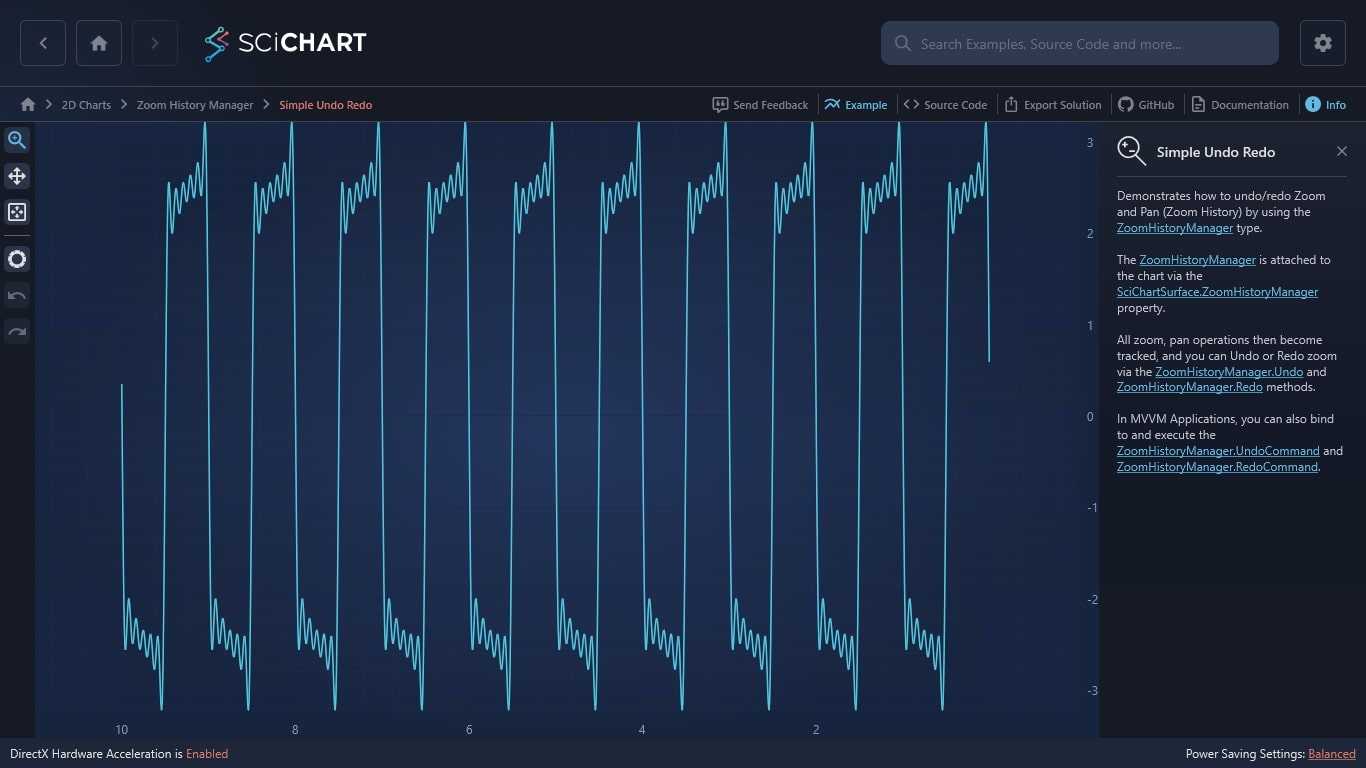
Demonstrates how to undo/redo Zoom and Pan (Zoom History) by using the ZoomHistoryManager type.
The ZoomHistoryManager is attached to the chart via the SciChartSurface.ZoomHistoryManager property.
All zoom, pan operations then become tracked, and you can Undo or Redo zoom via the ZoomHistoryManager.Undo and ZoomHistoryManager.Redo methods.
In MVVM Applications, you can also bind to and execute the ZoomHistoryManager.UndoCommand and ZoomHistoryManager.RedoCommand.
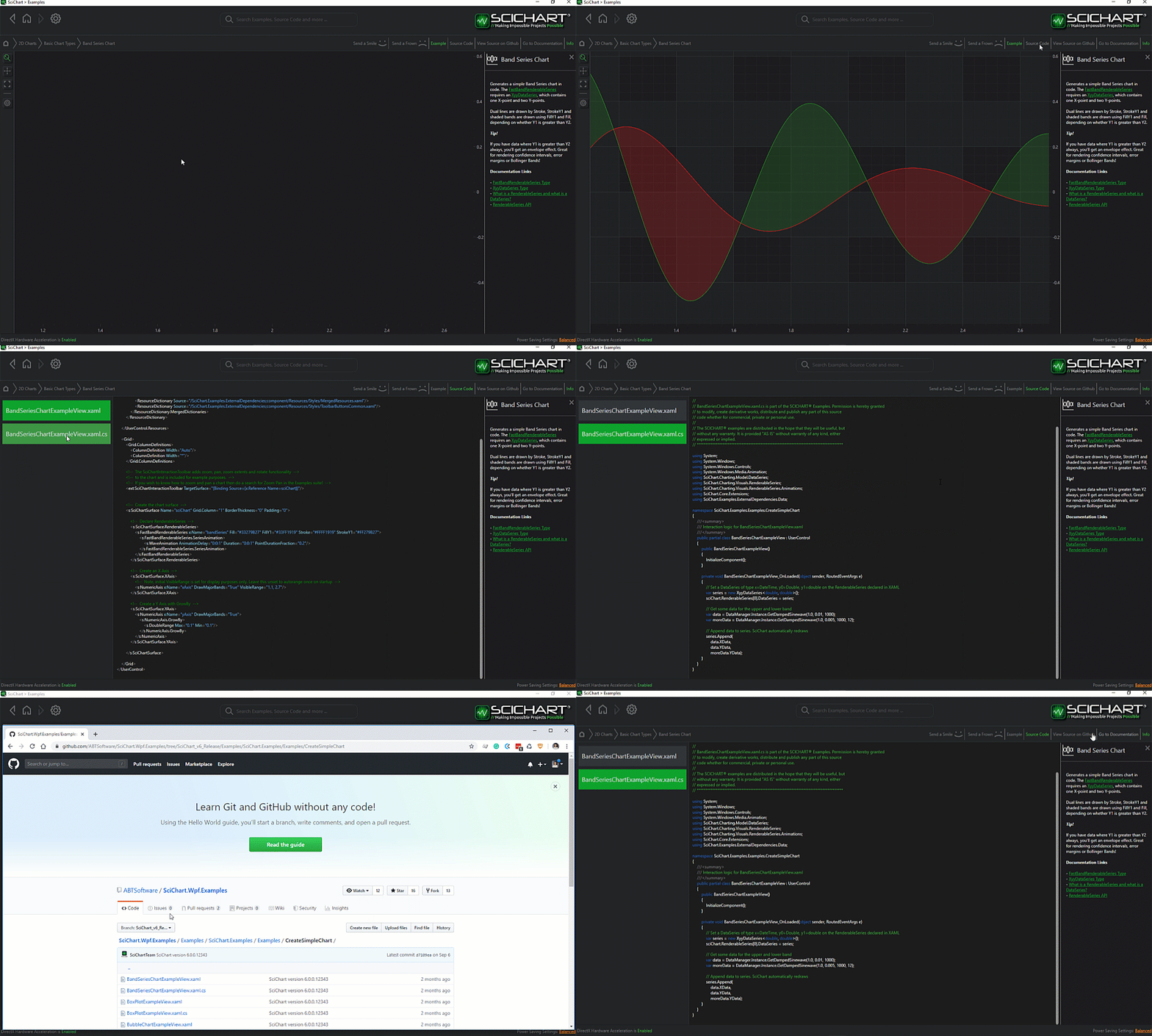
The C#/WPF source code for the WPF Chart Undo Redo Zoom example is included below (Scroll down!).
Did you know you can also view the source code from one of the following sources as well?
- Clone the SciChart.WPF.Examples from Github.
- Or, view source in the SciChart WPF Examples suite.
- Also the SciChart WPF Trial contains the full source for the examples (link below).
SimpleUndoRedoView.xaml
View source code<UserControl x:Class="SciChart.Examples.Examples.ZoomHistory.SimpleUndoRedoView"
xmlns="http://schemas.microsoft.com/winfx/2006/xaml/presentation"
xmlns:x="http://schemas.microsoft.com/winfx/2006/xaml"
xmlns:d="http://schemas.microsoft.com/expression/blend/2008"
xmlns:ext="http://schemas.abtsoftware.co.uk/scichart/exampleExternals"
xmlns:mc="http://schemas.openxmlformats.org/markup-compatibility/2006"
xmlns:s="http://schemas.abtsoftware.co.uk/scichart"
Loaded="LineChartExampleView_OnLoaded"
d:DesignHeight="400"
d:DesignWidth="600"
mc:Ignorable="d">
<Grid>
<Grid.ColumnDefinitions>
<ColumnDefinition Width="Auto" />
<ColumnDefinition Width="*" />
</Grid.ColumnDefinitions>
<!-- The SciChartInteractionToolbar adds zoom, pan, zoom extents and rotate functionality -->
<!-- to the chart and is included for example purposes. -->
<!-- If you wish to know how to zoom and pan a chart then do a search for Zoom Pan in the Examples suite! -->
<ext:SciChartInteractionToolbar TargetSurface="{Binding ElementName=SciChart}">
<Button Command="{Binding ElementName=SciChart,
Path=ZoomHistoryManager.UndoCommand}"
Content="UN"
FontSize="11"
Padding="0"
Style="{StaticResource DefaultButtonStyle}"
ToolTipService.ToolTip="UNDO Zoom" />
<Button Command="{Binding ElementName=SciChart,
Path=ZoomHistoryManager.RedoCommand}"
Content="RE"
FontSize="11"
Padding="0"
Style="{StaticResource DefaultButtonStyle}"
ToolTipService.ToolTip="REDO Zoom" />
</ext:SciChartInteractionToolbar>
<!-- Create the chart surface -->
<s:SciChartSurface Name="SciChart"
Grid.Column="1"
BorderThickness="0"
Padding="0">
<!-- Declare RenderableSeries -->
<s:SciChartSurface.RenderableSeries>
<s:FastLineRenderableSeries x:Name="LineRenderSeries"
Stroke="#FF99EE99"
StrokeThickness="2"
XAxisId="XId"
YAxisId="YId" />
</s:SciChartSurface.RenderableSeries>
<!-- Create an X Axis with Growby -->
<s:SciChartSurface.XAxis>
<s:NumericAxis DrawMajorBands="True"
FlipCoordinates="True"
GrowBy="0.1, 0.1"
Id="XId"
ScientificNotation="None"
TextFormatting="#.############" />
</s:SciChartSurface.XAxis>
<!-- Create a Y Axis with Growby. Optional bands give a cool look and feel for minimal performance impact -->
<s:SciChartSurface.YAxis>
<s:NumericAxis DrawMajorBands="True" Id="YId" />
</s:SciChartSurface.YAxis>
<s:SciChartSurface.ChartModifier>
<s:ModifierGroup>
<s:MouseWheelZoomModifier/>
<s:XAxisDragModifier/>
<s:YAxisDragModifier/>
</s:ModifierGroup>
</s:SciChartSurface.ChartModifier>
</s:SciChartSurface>
</Grid>
</UserControl>
SimpleUndoRedoView.xaml.cs
View source code// *************************************************************************************
// SCICHART® Copyright SciChart Ltd. 2011-2022. All rights reserved.
//
// Web: http://www.scichart.com
// Support: support@scichart.com
// Sales: sales@scichart.com
//
// SimpleUndoRedoView.xaml.cs is part of the SCICHART® Examples. Permission is hereby granted
// to modify, create derivative works, distribute and publish any part of this source
// code whether for commercial, private or personal use.
//
// The SCICHART® examples are distributed in the hope that they will be useful, but
// without any warranty. It is provided "AS IS" without warranty of any kind, either
// expressed or implied.
// *************************************************************************************
using System.Windows;
using System.Windows.Controls;
using SciChart.Charting.HistoryManagers;
using SciChart.Charting.Model.DataSeries;
using SciChart.Examples.ExternalDependencies.Data;
namespace SciChart.Examples.Examples.ZoomHistory
{
public partial class SimpleUndoRedoView : UserControl
{
public SimpleUndoRedoView()
{
InitializeComponent();
}
private void LineChartExampleView_OnLoaded(object sender, RoutedEventArgs e)
{
SciChart.ZoomHistoryManager = new ZoomHistoryManager();
// Create a DataSeries of type X=double, Y=double
var dataSeries = new UniformXyDataSeries<double>(0d, 0.002);
LineRenderSeries.DataSeries = dataSeries;
// Append data to series. SciChart automatically redraws
var data = DataManager.Instance.GetFourierYData(1.0, 0.1);
dataSeries.Append(data);
SciChart.ZoomExtents();
}
}
}


